
Tune & Operate
This section is for people operating a running Awaken server from the browser. Treat the Admin Console as the primary surface: click through the UI, change one thing, validate, preview, save, then compare behavior. Use REST/config APIs only when the same operation needs automation.
Start from the console
Section titled “Start from the console”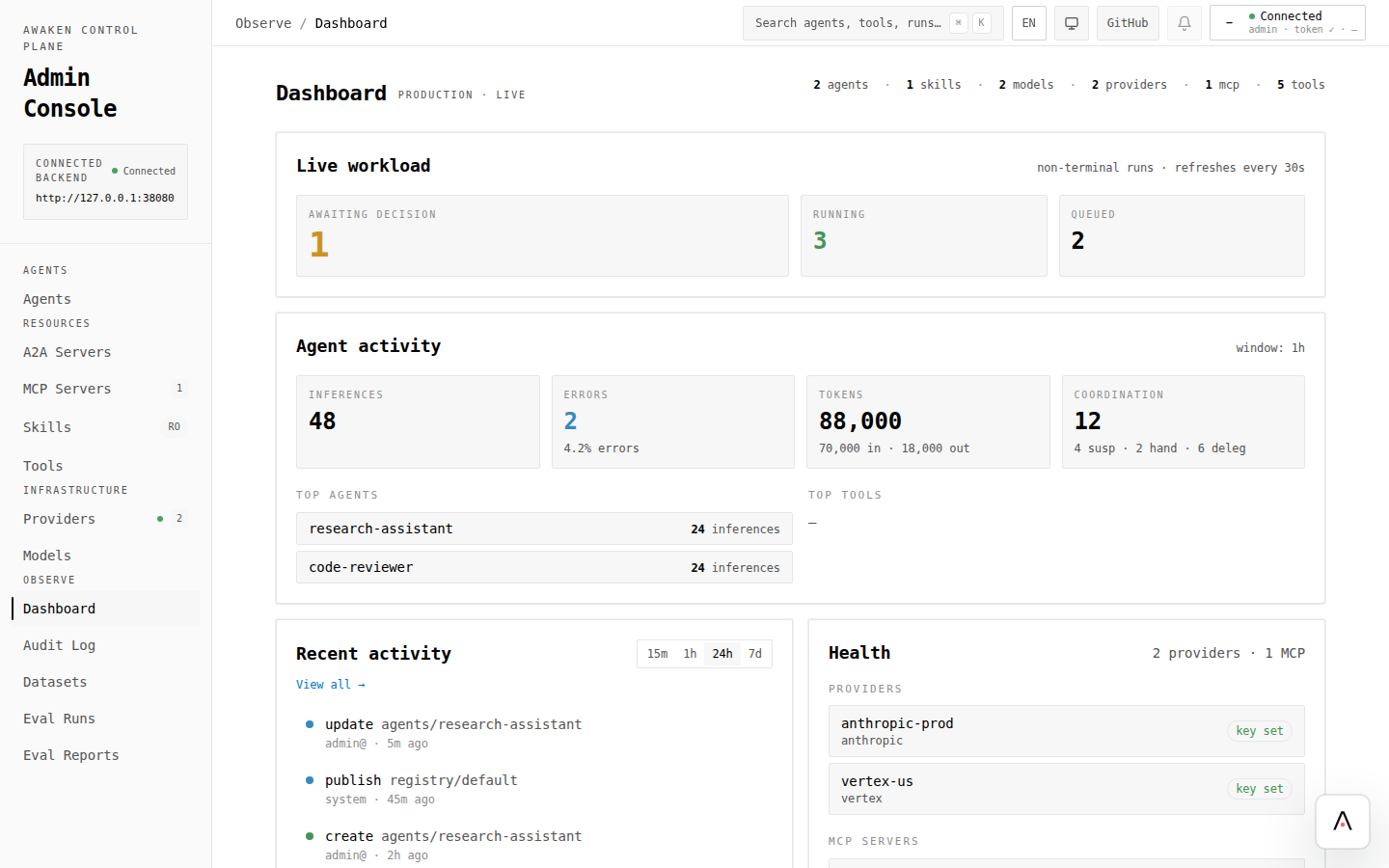
- Open Use the Admin Console and connect to the server.
- Check Dashboard → Health before making changes.
- Configure Providers and Models under Infrastructure.
- Open Agents, edit a draft, click Validate, use the preview chat, then Save.
- Use Audit Log and editor History whenever you need to review or restore a saved change.
Tune behavior by interaction
Section titled “Tune behavior by interaction”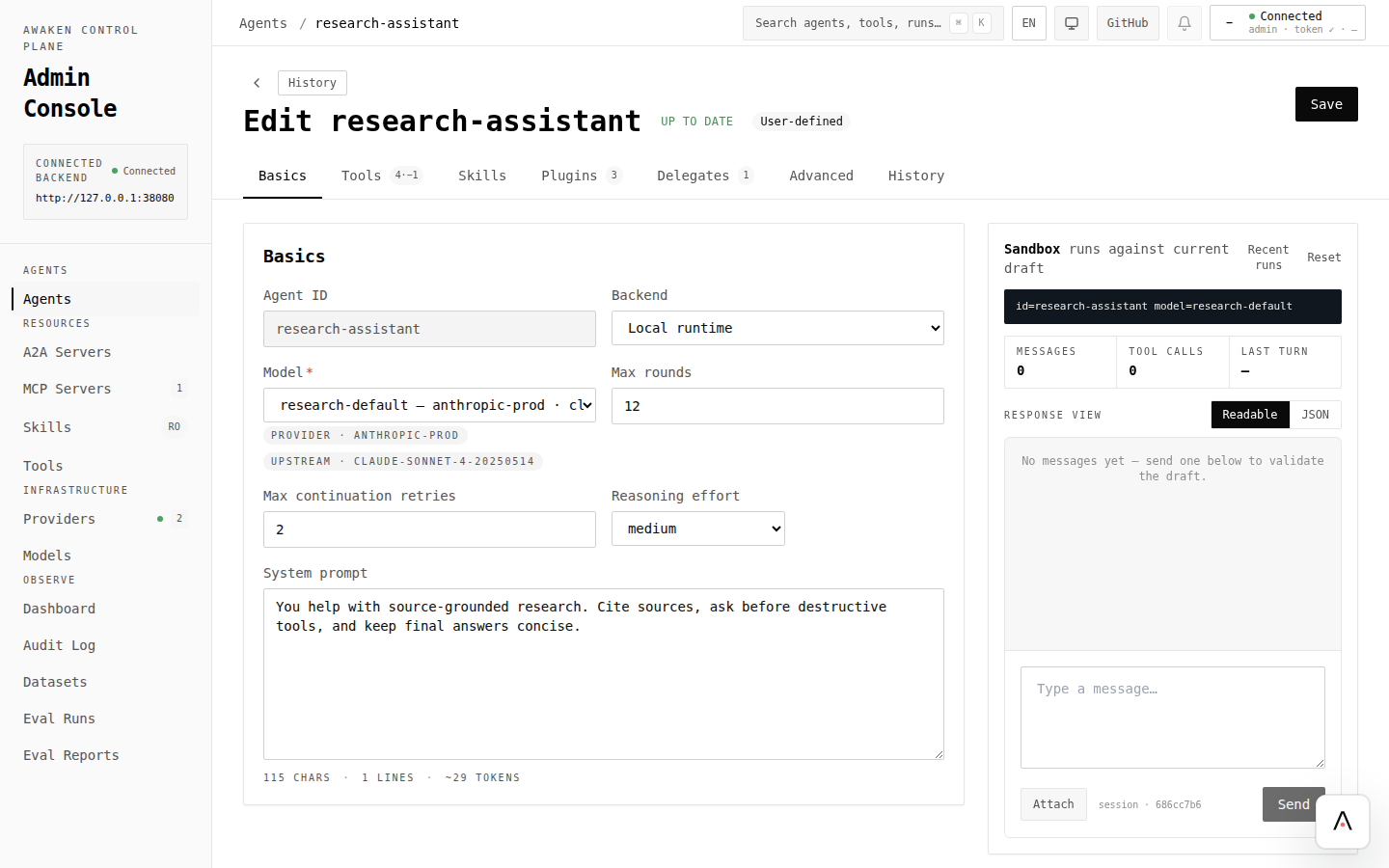
| Goal | Click path | Guide |
|---|---|---|
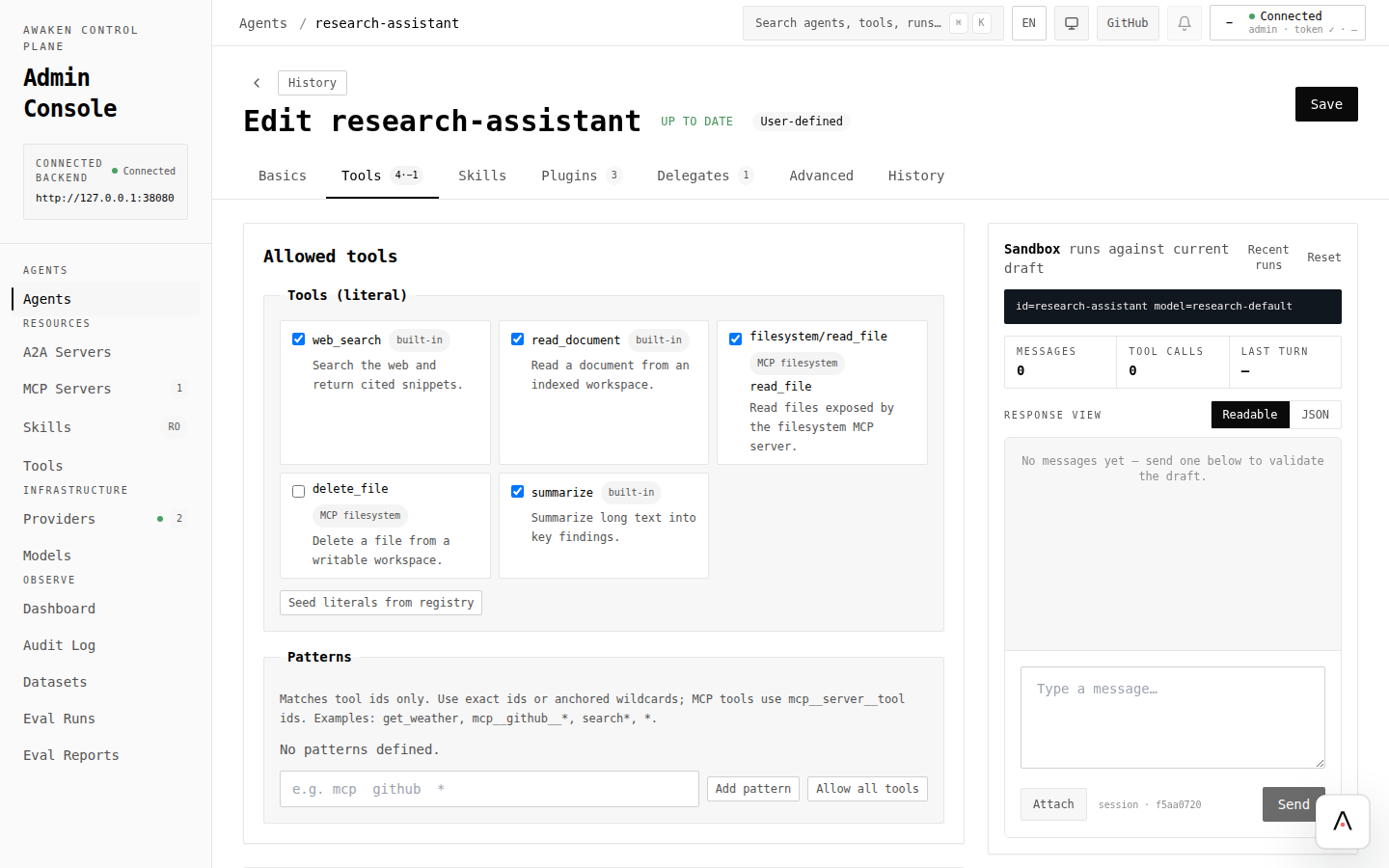
| Tune prompt/model/tools/plugins/delegates | Agents → Agent → Basics / Tools / Plugins / Delegates → Validate → Preview → Save | Configure Agent Behavior |
| Change prompt wording safely | Agent → Basics → System prompt → Validate → Preview → Save | Hot-Tune Prompts |
| Manage context and compaction | Agent → Advanced / JSON preview → Validate → Preview long task → Save | Optimize Context Window |
| Bound loops and runaway work | Agent → Basics / Advanced → limits and stop policy → Validate → Preview → Save | Configure Stop Policies |
Govern and evaluate by interaction
Section titled “Govern and evaluate by interaction”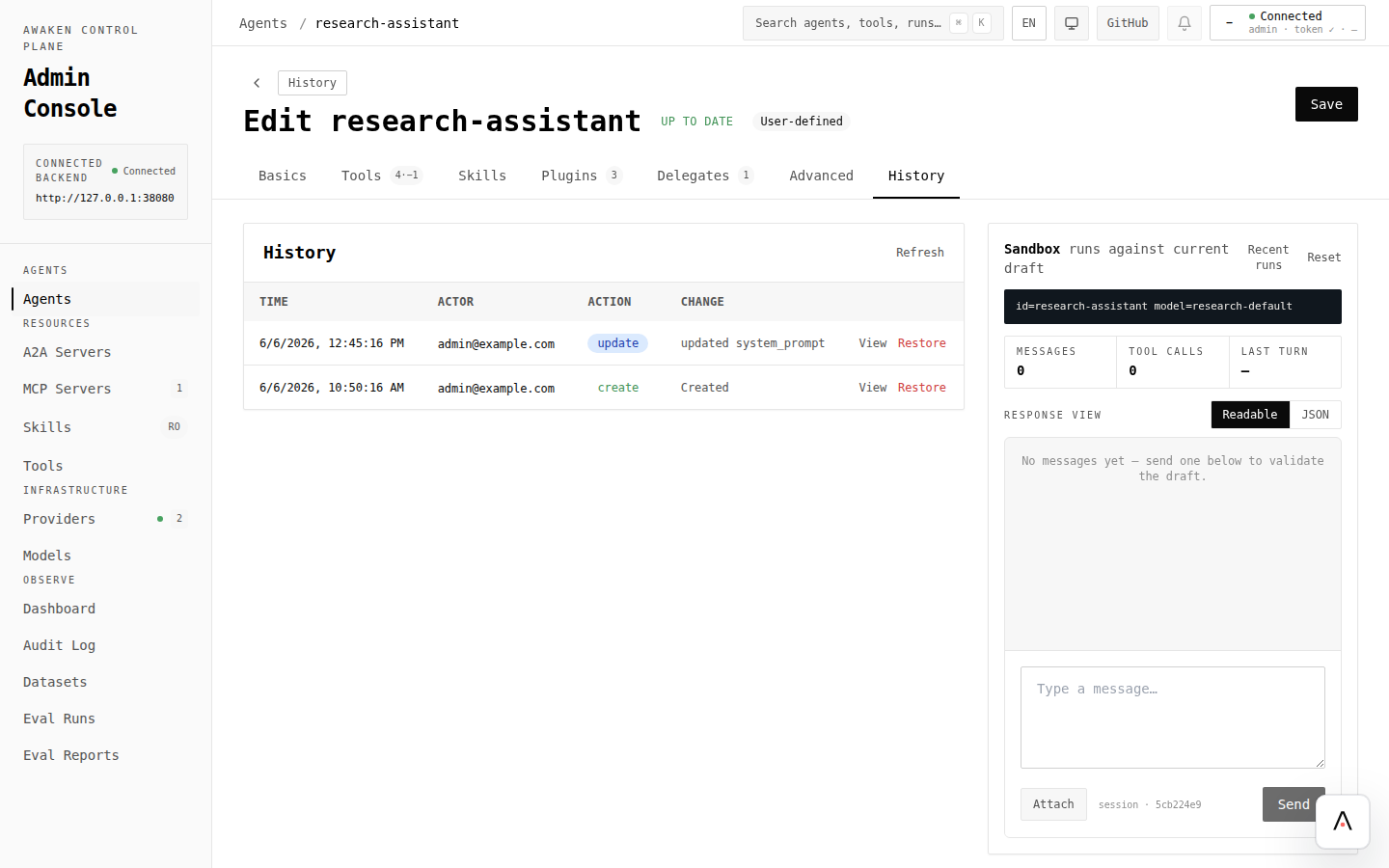
| Goal | Click path | Guide |
|---|---|---|
| Gate sensitive tools | Agent → Plugins → Permission rules → Ask / Allow / Deny → Save | Enable Tool Permission HITL |
| Add remote agents for handoff | Resources → A2A Servers → New A2A server → Refresh card → Save | Connect an A2A Server |
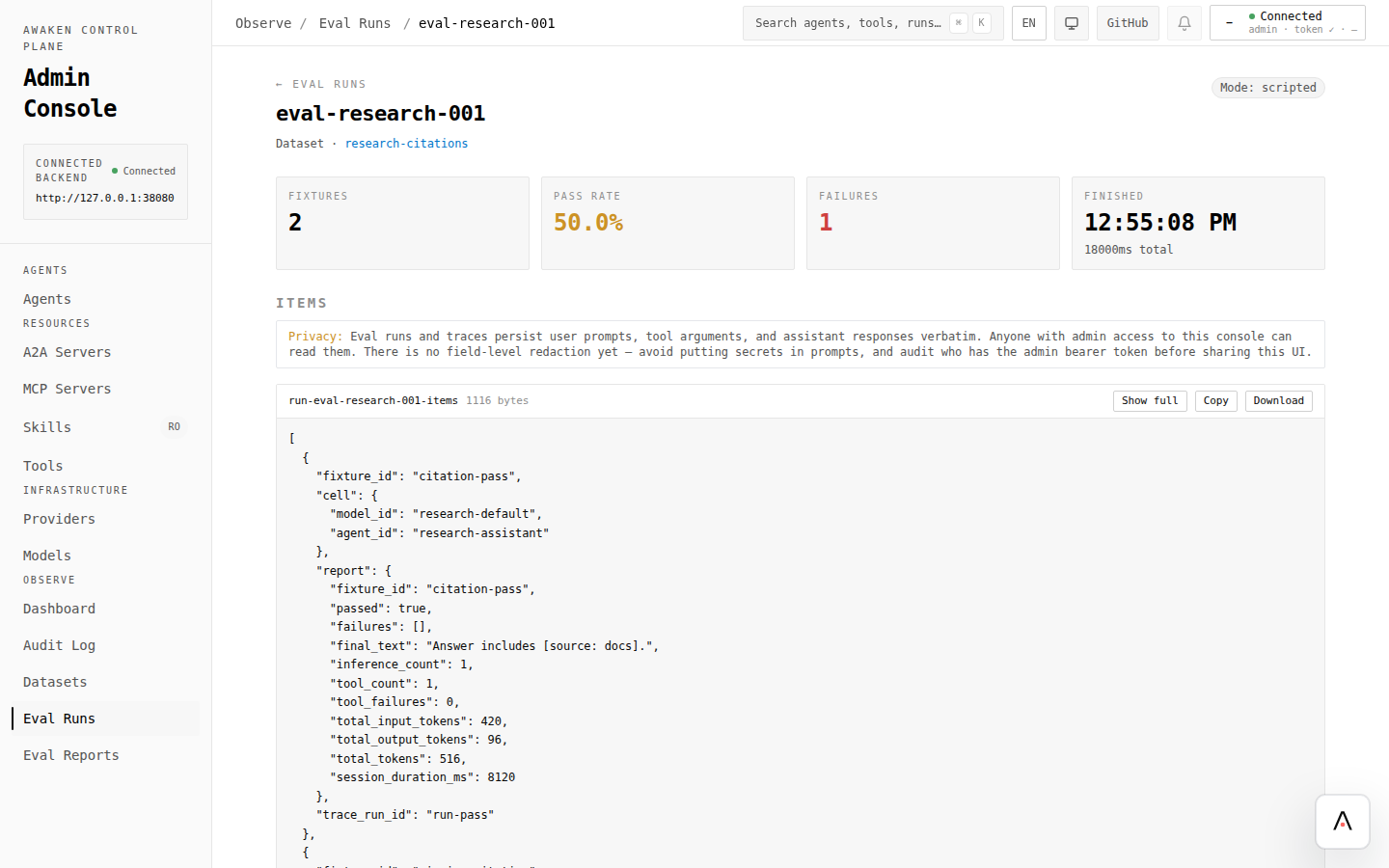
| Capture and replay behavior | Observe → Datasets → Eval Runs → Eval Reports | Capture a Dataset and Run an Eval |
| Inspect runtime signals | Dashboard → Agents list → Agent dashboard / Recent runs | Enable Observability |
API references for automation
Section titled “API references for automation”Use these when the same operation should be scripted instead of clicked:
- HTTP API — routes, auth, request/response shapes.
- Config —
AgentSpec, provider/model config, plugin sections. - Admin Console surface inventory — screen-to-endpoint mapping and REST-only surfaces.