
Configure Stop Policies
Stop policies keep an agent from running longer than intended. Configure them from the agent editor first; use API-level policy objects only when you are automating the same change.
What you click
Section titled “What you click”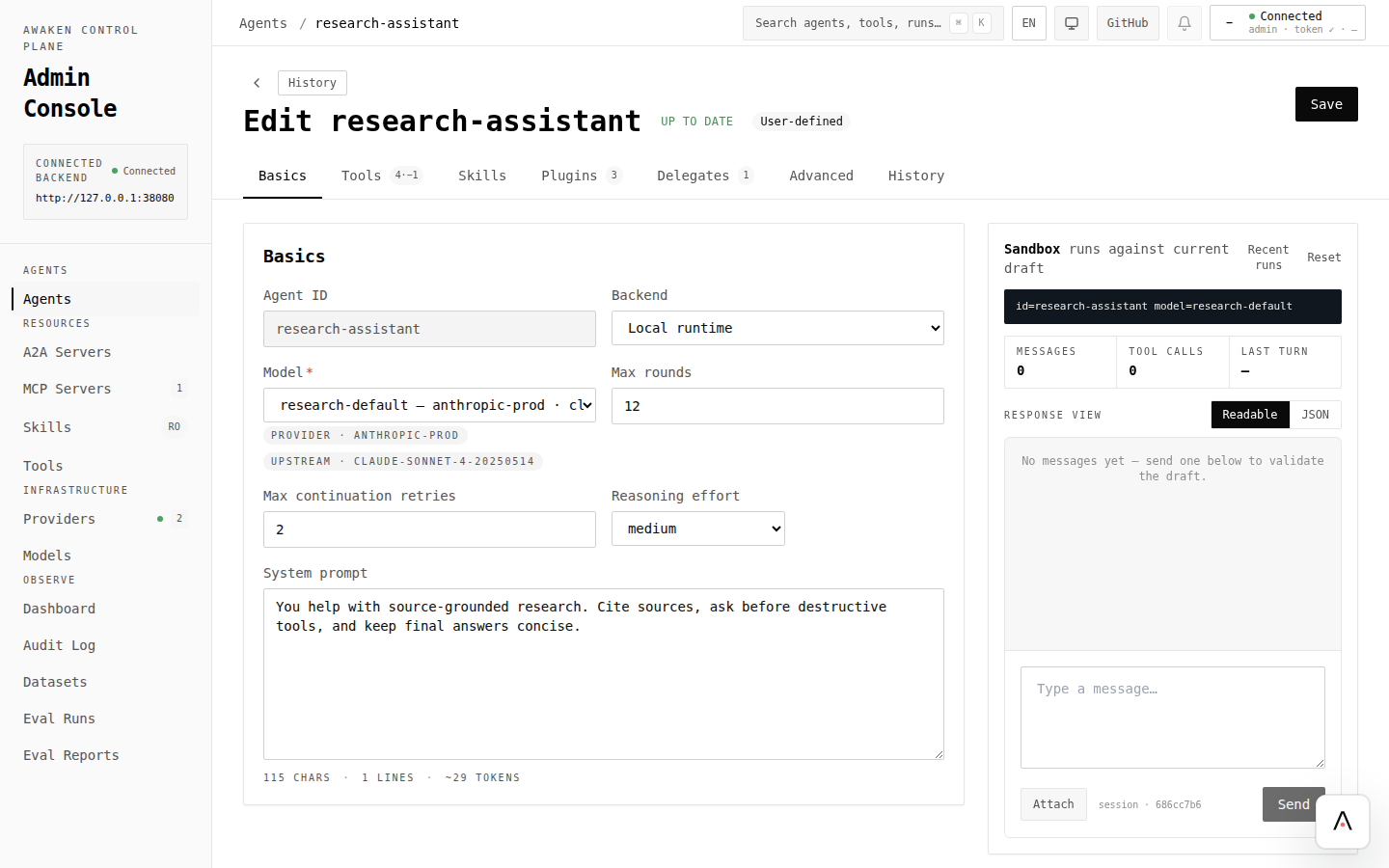
- Open Agents and choose the agent.
- In Basics, set the common bound first: max rounds.
- If the agent needs stricter conditions, open Advanced and review the stop policy shape exposed by the server.
- Click Validate.
- Preview two scenarios: one that should complete normally, and one that should stop.
- Save only when both scenarios behave correctly.
- Run an eval fixture for loops or time-sensitive behavior.
Policy choices
Section titled “Policy choices”| Risk | UI choice | How to verify |
|---|---|---|
| Repeating the same plan | Lower max rounds or add loop detection | Preview a prompt that used to loop |
| Long-running tool chain | Add timeout or tool-stop condition | Preview with a tool-heavy task |
| Token runaway | Add token budget | Eval fixture with long context/tool output |
| Error storm | Add consecutive-error bound | Preview with a failing tool or provider |
| Stop after a known terminal tool | Add stop-on-tool condition | Preview a task that calls that tool once |
Operate after saving
Section titled “Operate after saving”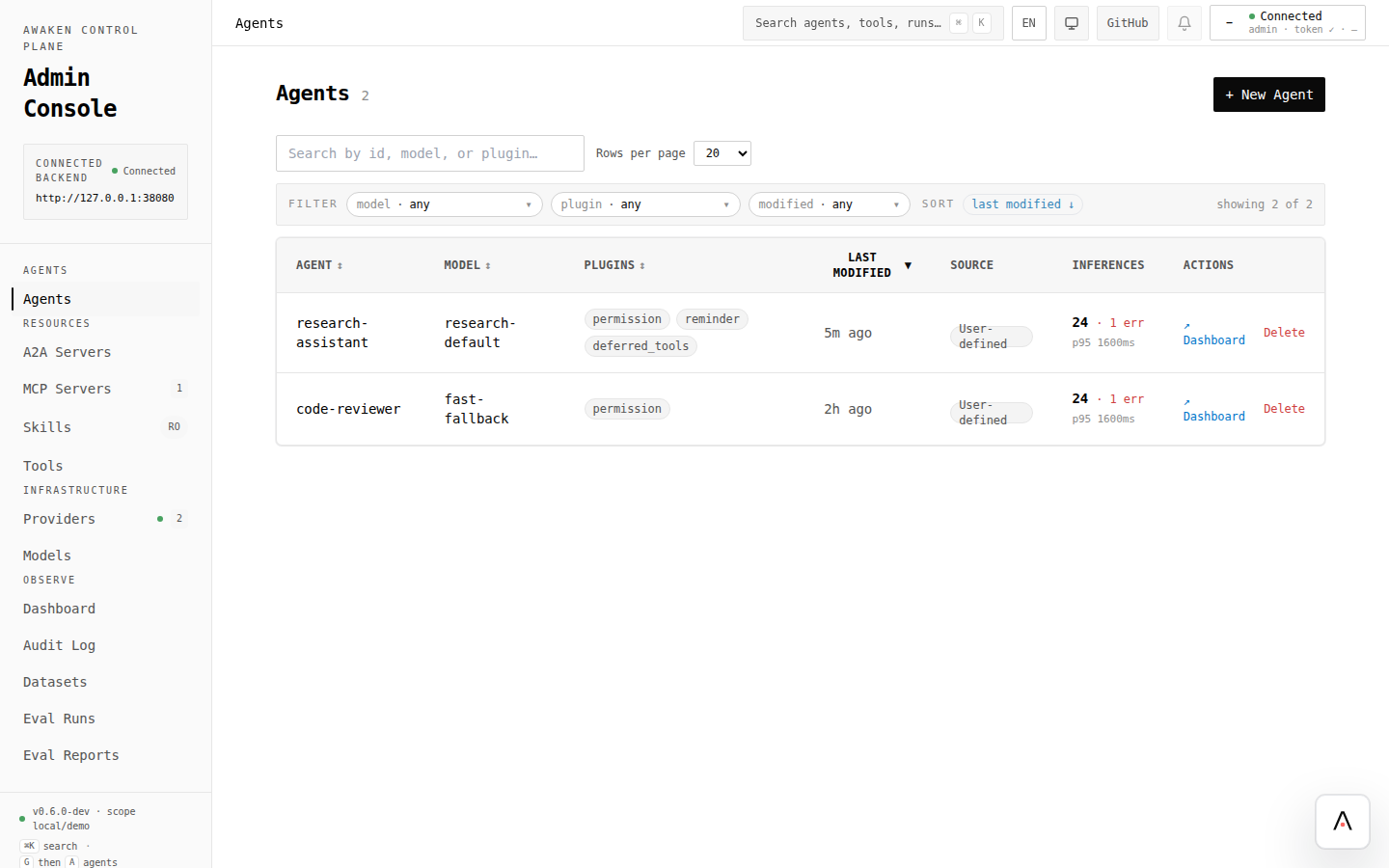
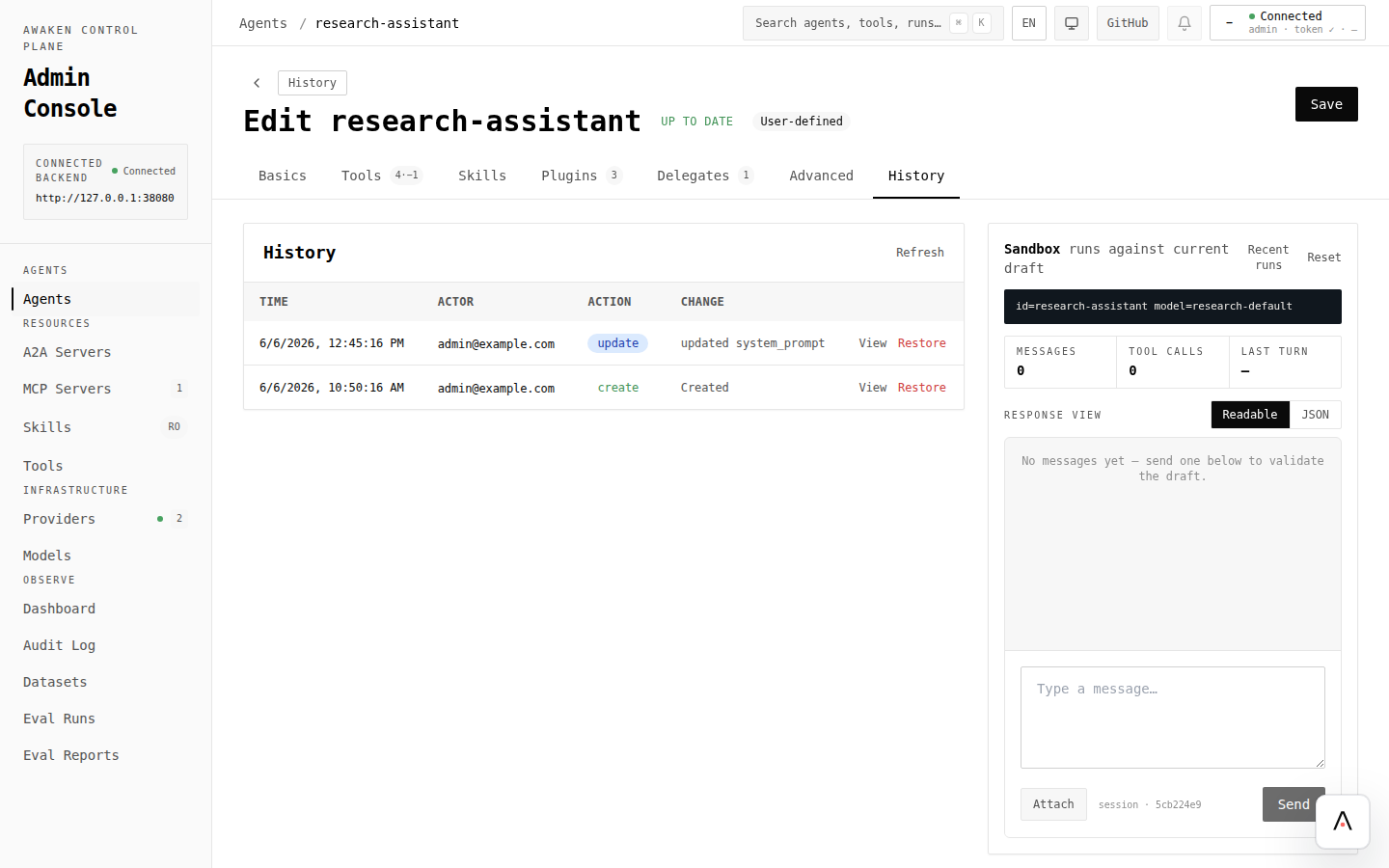
A stricter stop policy can hide valid multi-step work. If users report early stops, restore the previous version or raise the bound and rerun the same eval.