Skip to content

Hot-Tune Prompts

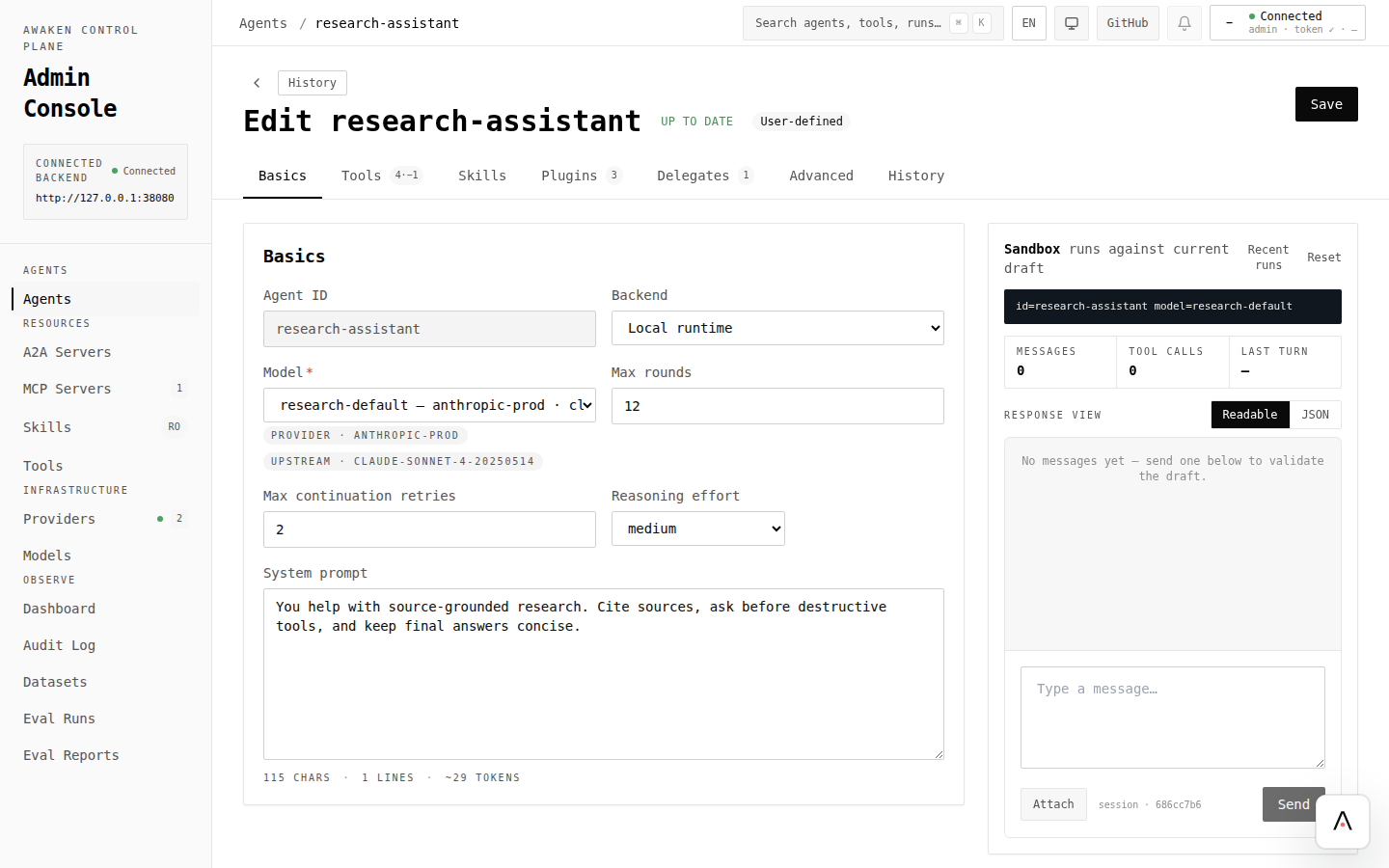
The Awaken runtime separates tools (Rust) from prompts, reminders, permissions, and skill catalogs (config). This page shows the loop you actually use to iterate on the config side, without rebuilding the binary.

Change an agent’s behaviour mid-flight and verify the change on the very next run.

  • The Awaken server is running with a ConfigStore wired into ServerState (see Expose HTTP SSE).
  • At least one agent, model, and provider exist in config (see Configure Agent Behavior).
  • Tools you want the agent to call are registered in Rust (AgentRuntimeBuilder::with_tool, see Add a Tool).
Terminal window
curl -sS http://localhost:3000/v1/config/agents/research-assistant | jq .

The response is the spec the runtime will hand to the next run that names this agent_id.

PUT the same id with the modified fields. The example below tightens the prompt and narrows the tool surface:

Terminal window
curl -sS -X PUT http://localhost:3000/v1/config/agents/research-assistant \
-H 'content-type: application/json' \
-d '{
"id": "research-assistant",
"model_id": "research-default",
"system_prompt": "You are a skeptical research assistant. Refuse to answer without at least two independent peer-reviewed sources; cite each.",
"max_rounds": 12,
"plugin_ids": ["permission", "reminder"],
"allowed_tools": ["web_search", "read_document"],
"sections": {
"reminder": {
"rules": [{
"tool": "read_document",
"output": "any",
"message": {
"target": "suffix_system",
"content": "If the document is not peer-reviewed, mention that explicitly in your answer."
}
}]
}
}
}'

The PUT response is the validated published config. The server compiles the change into a candidate registry snapshot, validates section schemas, then publishes — atomically, in one step.

Terminal window
curl -sS -X POST http://localhost:3000/v1/runs \
-H 'content-type: application/json' \
-d '{
"agent_id": "research-assistant",
"thread_id": "tune-2",
"messages": [{"role": "user", "content": "Find one source on coral bleaching."}]
}' | jq -r '.response'

Use a fresh thread_id to isolate the change from prior-turn context. The new prompt, reminder, and tool surface are all active.

To compare before/after rigorously, run step 3 twice with the same user message — once before the PUT in step 2, once after.

Everything below lives in config and reloads on the next run:

KnobWhereEffect
system_promptAgentSpec.system_promptAgent persona / instructions
Tool descriptionsToolSpecPatch.descriptionOverride how existing tools are described to the model
allowed_tools / excluded_toolsAgentSpec.*_toolsTool whitelist / blacklist
DelegatesAgentSpec.delegatesExplicit sub-agent tools exposed during resolution
max_rounds, reasoning_effortAgentSpec.*Loop bounds
context_policyAgentSpec.context_policyContext window shaping + compaction
Permission rulessections.permission.rulesPer-tool allow/ask/deny on name + args
Reminder rulessections.reminder.rulesInject system/conversation messages on tool patterns
Retry policysections.retryBackoff and retry limits
Deferred tool gatingsections.deferred_toolsWhich tools stay eager, load through ToolSearch, or re-defer
Compaction summarizersections.compactionSummarizer prompt + model + threshold
Generative UI catalogsections.generative-uiA2UI catalog id + examples
Skill catalog/v1/config/skills or your skill rootInstructions, allowed tools, arguments, and activation metadata
MCP server toolsRemote MCP serverAuto-refreshed on tools/list_changed

Anything not in this list is code: new tools, plugins, provider factories, custom PluginConfigKey types, and Tool trait implementations. ToolSearch is shipped by deferred-tools; skills use catalog injection plus the skill activation tool; delegates are explicit, not AgentSearch-discovered.

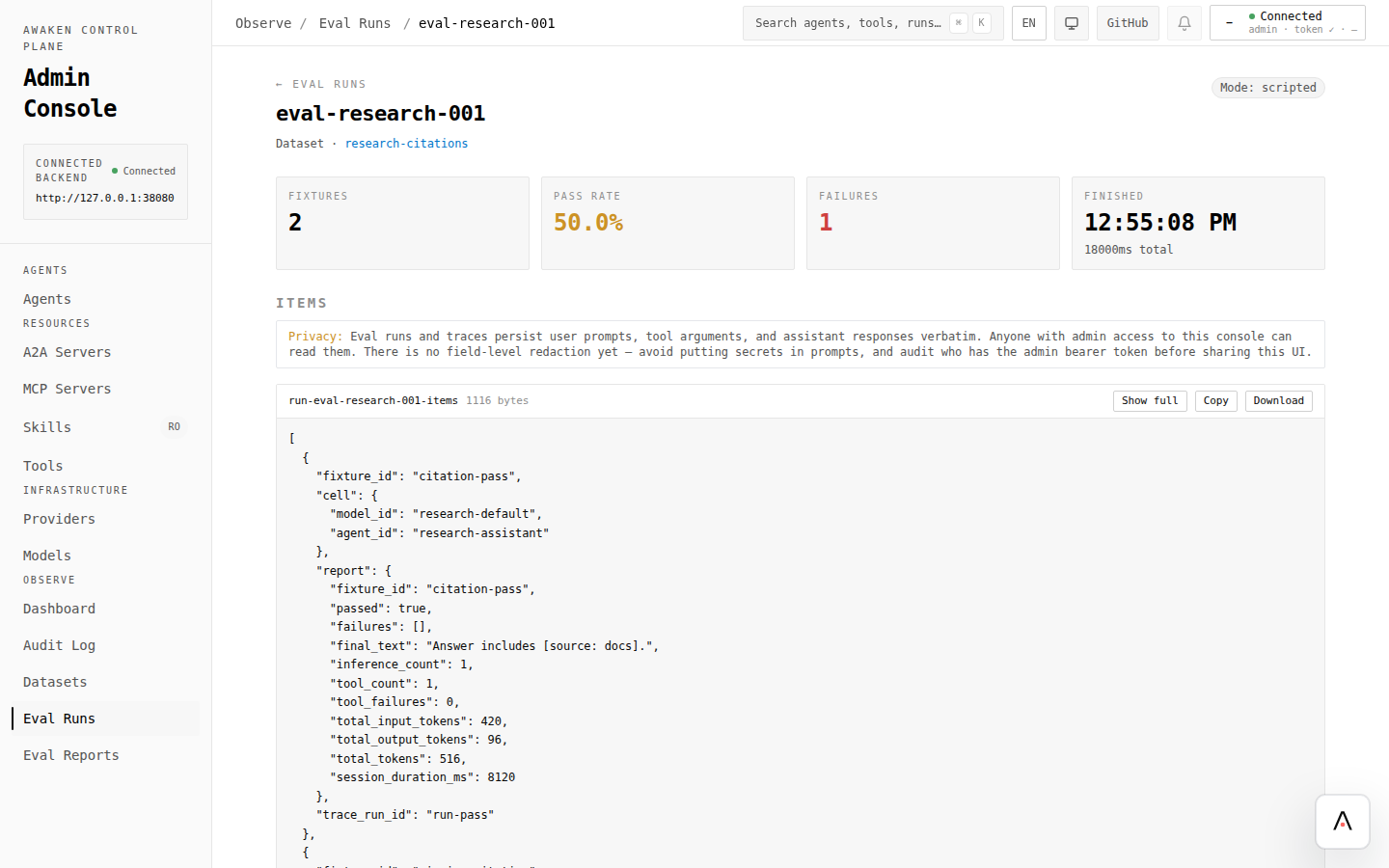
The admin console renders the persistent trace store. To validate a tune:

  1. Note the trace id of the pre-tune run.
  2. PUT the new config.
  3. Re-run with the same user message and a new thread_id. Note the new trace id.
  4. Open both traces side-by-side. Compare: tool calls, gate decisions, LLM token counts, total wall time.

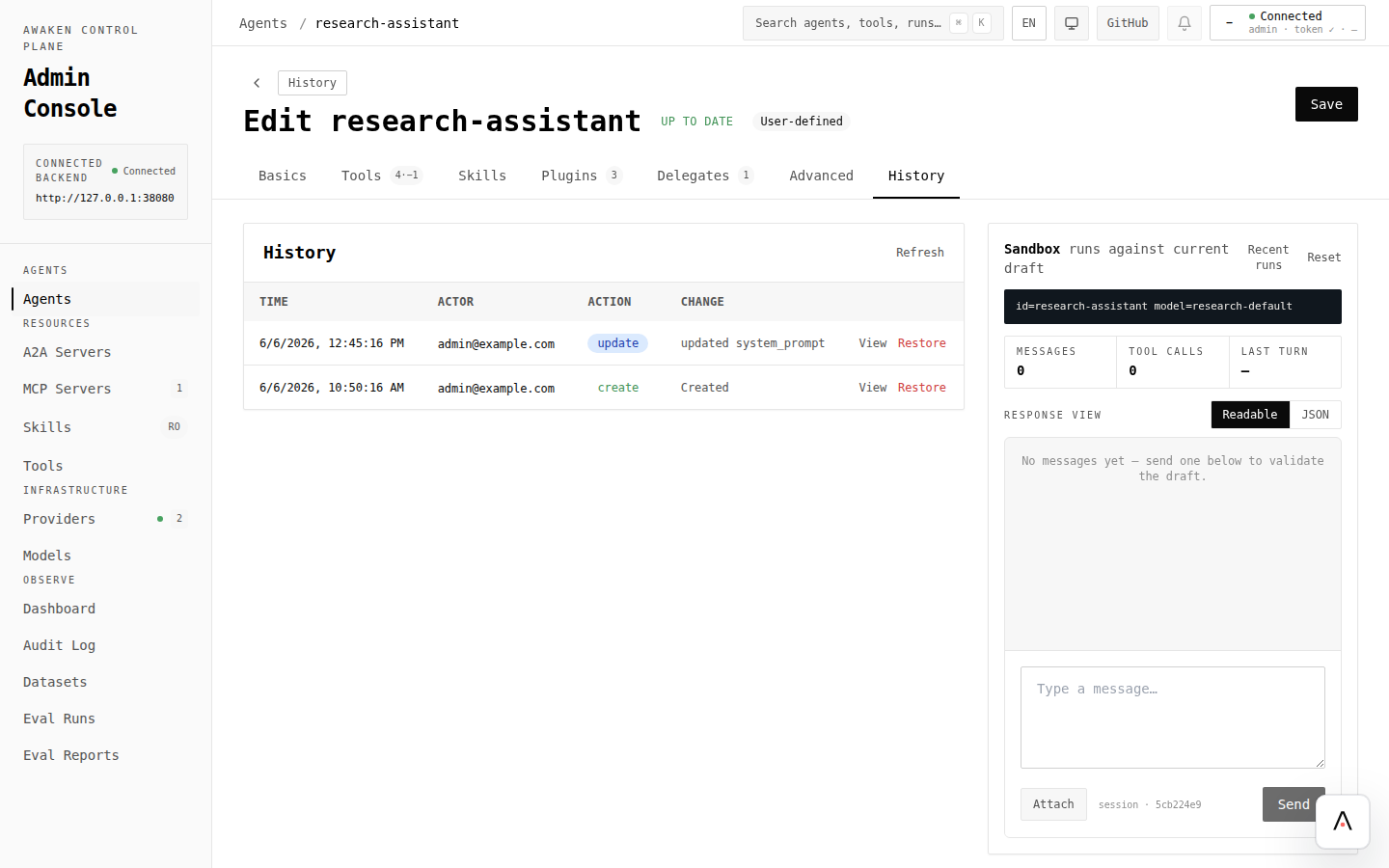
Traces include the prompt and section values at run start, so you have a permanent record of what produced each result.

The runtime guarantees: a run that has already started keeps its starting snapshot until it terminates. This is the contract that makes hot-tuning safe — you cannot accidentally change a long-running agent mid-flight by editing config.

To validate a tune without waiting for active runs to drain, start a new run with a fresh thread_id. To rotate all agents onto the new spec, cancel and restart the active runs.

ChangeRequires
Adding a new Rust tool implementationRebuild + redeploy
Adding a new plugin trait implementationRebuild + redeploy
Adding a new PluginConfigKey schemaRebuild + redeploy
Swapping the ConfigStore backendRestart

If the tune you need crosses one of these lines, you’re not on the hot-tune path — you’re on the build-and-deploy path.