
Optimize Context Window
Context tuning is an operator workflow once the runtime supports the relevant policy fields. Use the Admin Console first so you can see the agent, make a small edit, validate it, and preview a long conversation before saving.
What you click
Section titled “What you click”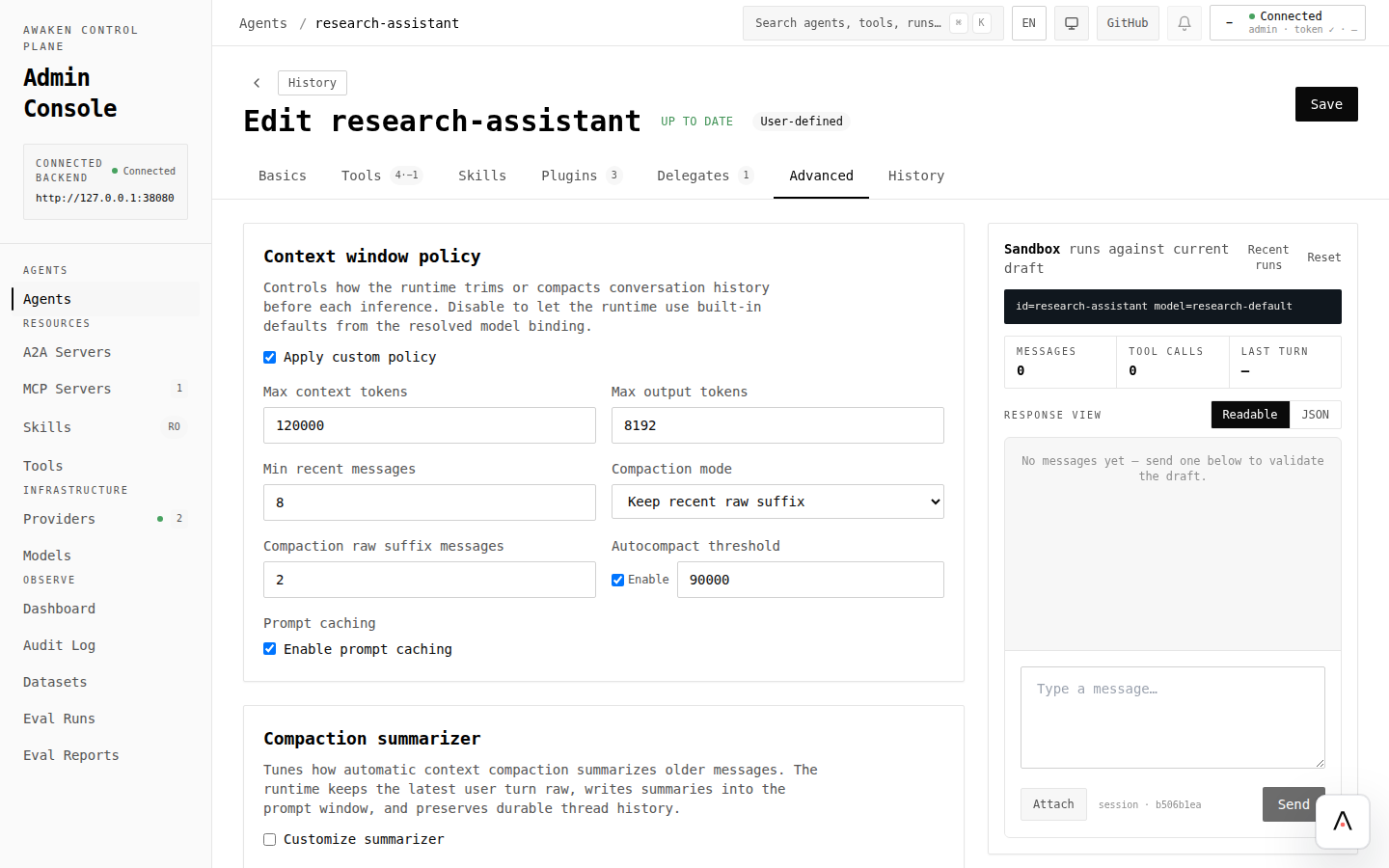
- Open Agents and choose the agent that is hitting context limits.
- Check Basics for model choice and max rounds. A different model or lower max rounds may solve the issue before policy tuning.
- Open Advanced and review the final draft shape.
- Adjust the context policy fields your server exposes for the agent.
- Click Validate.
- Use preview chat with a long scenario: several turns, tool results, and a final answer that should still remember earlier facts.
- Save only after the preview keeps the important context.
- For repeatable verification, capture the scenario as a dataset and run an eval.
What to tune
Section titled “What to tune”| Behavior you see | Try in the UI | Confirm with |
|---|---|---|
| Agent forgets recent user intent | Increase recent-message retention or lower noisy tool output | Preview chat with the same multi-turn prompt |
| Prompt grows too large | Enable or lower auto-compaction threshold | Trace/eval with long tool results |
| Final answer cuts off | Increase output-token limit, or choose a model with a larger output window | Preview answer length and eval output |
| Long task loops | Pair context tuning with stop policy limits | Configure Stop Policies |
| Important tool results disappear | Keep a larger raw suffix or summarize only after safe points | Trace detail and eval fixtures |
Observe the result
Section titled “Observe the result”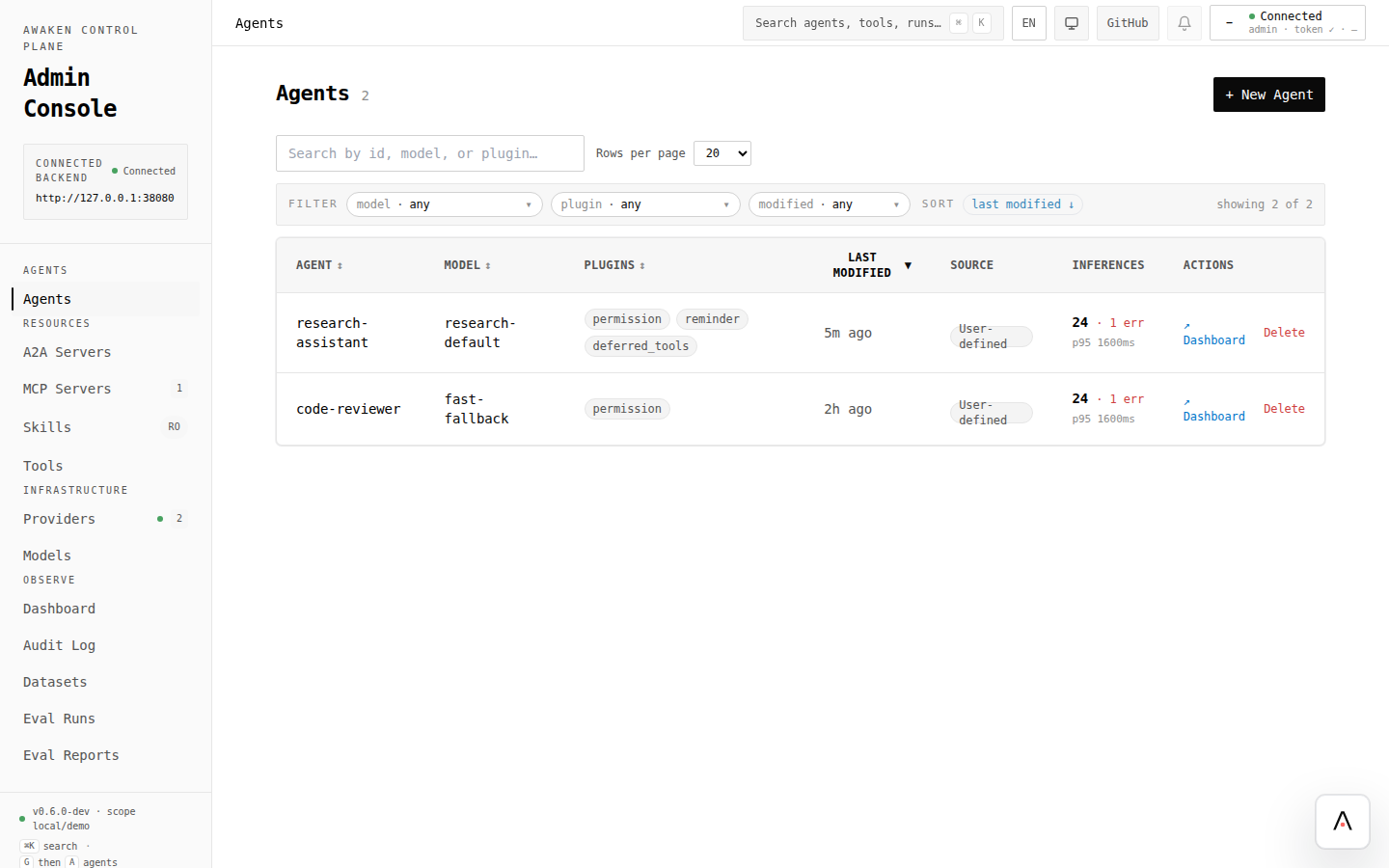
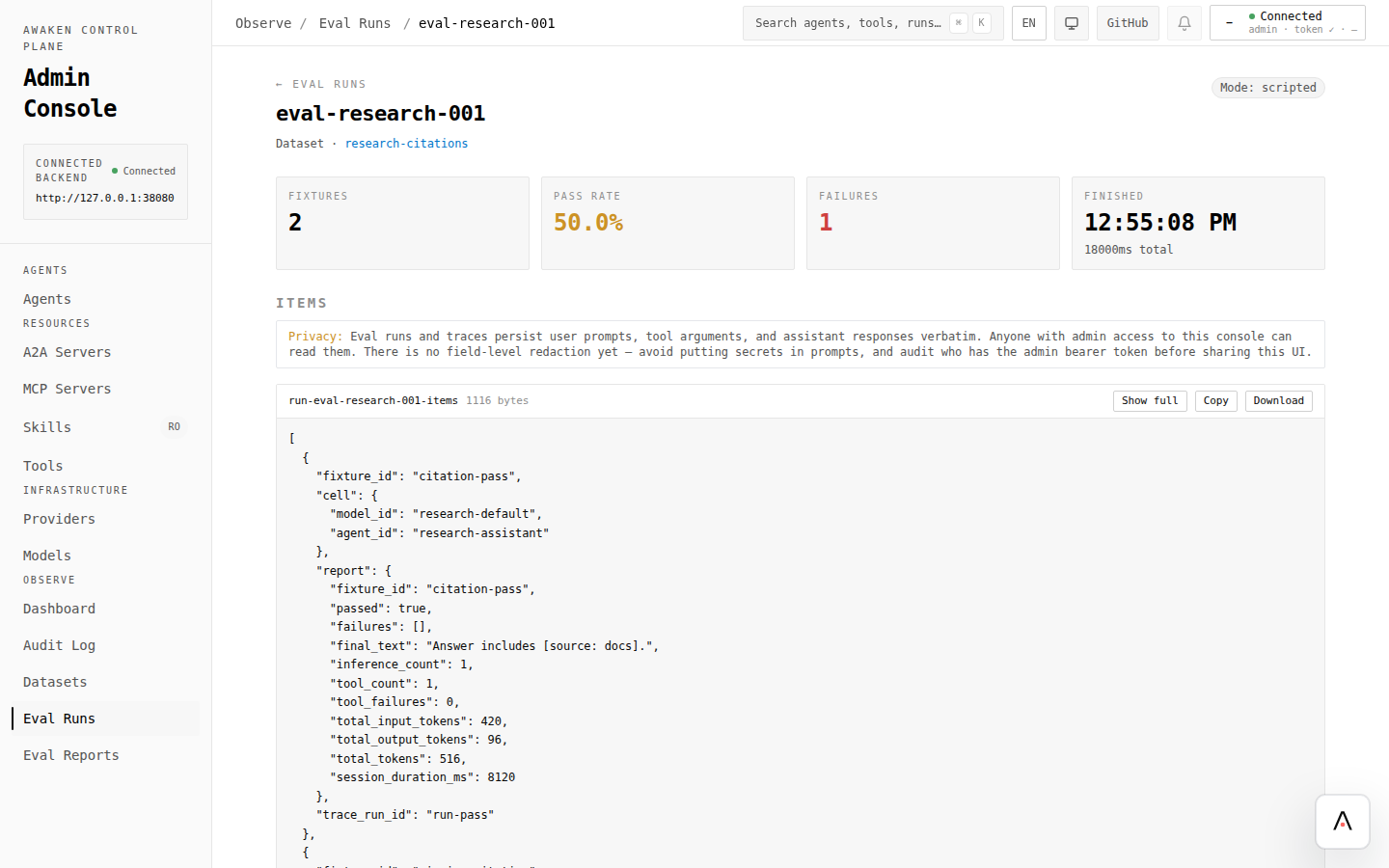
Use preview for fast feedback, then use evals for cases that must not regress. If the change is worse, restore the previous version from History and save that known-good draft.
API references for automation
Section titled “API references for automation”Use API writes when context policies are generated by deployment tooling. The operator loop stays the same: validate, write, run, compare.