
调优与运营
本节面向在浏览器里操作运行中 Awaken server 的人。把管理控制台作为主要入口: 在 UI 中点击操作,一次只改一个点,Validate,Preview,Save,然后对比行为。只有当 同一操作需要自动化时,再使用 REST/config API。
从控制台开始
Section titled “从控制台开始”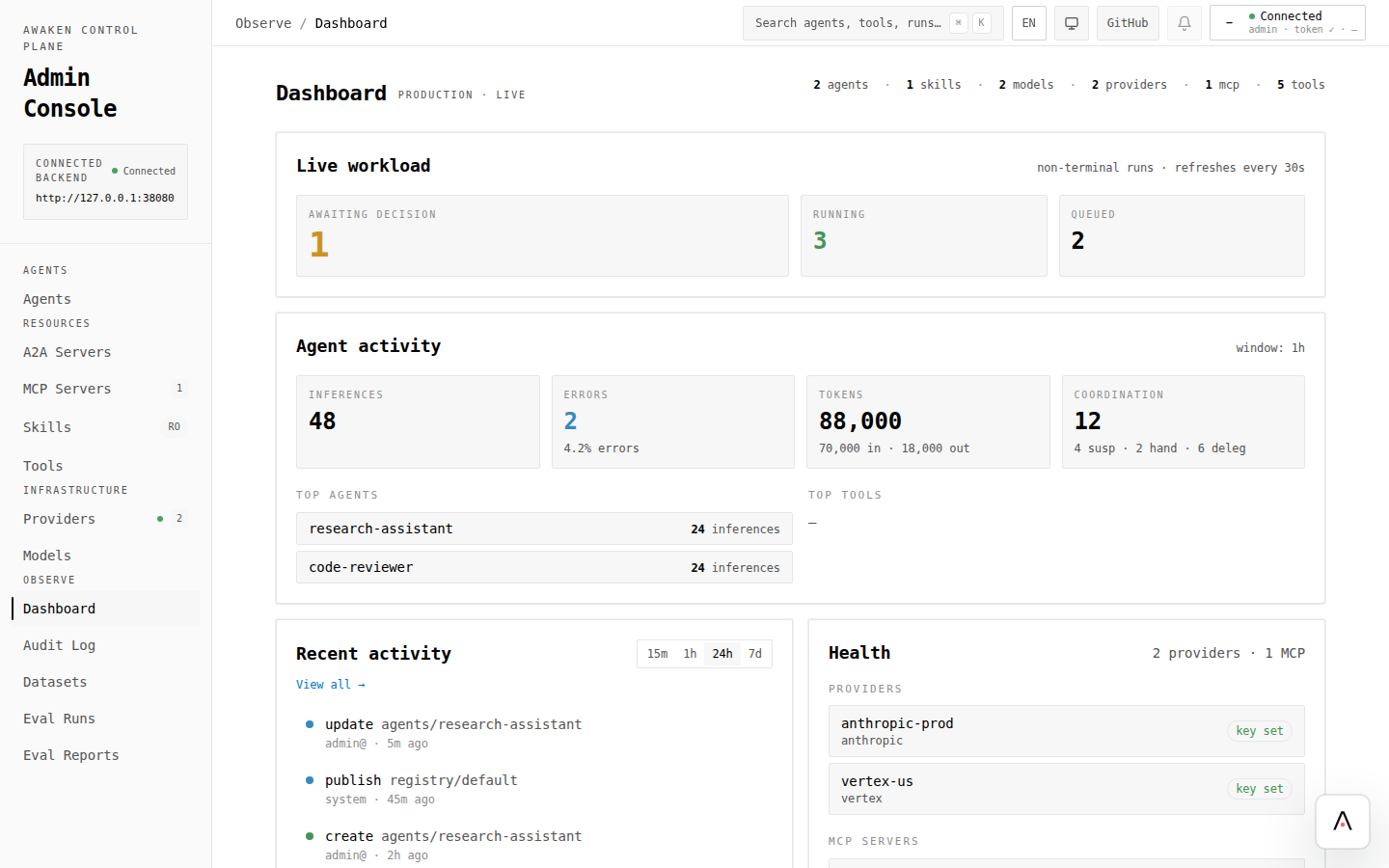
- 打开 使用管理控制台 并连接 server。
- 修改前先检查 Dashboard → Health。
- 在 Infrastructure 下配置 Providers 和 Models。
- 打开 Agents,编辑草稿,点击 Validate,用 preview chat 验证,然后 Save。
- 需要审查或恢复变更时,用 Audit Log 和编辑器里的 History。
通过交互调优行为
Section titled “通过交互调优行为”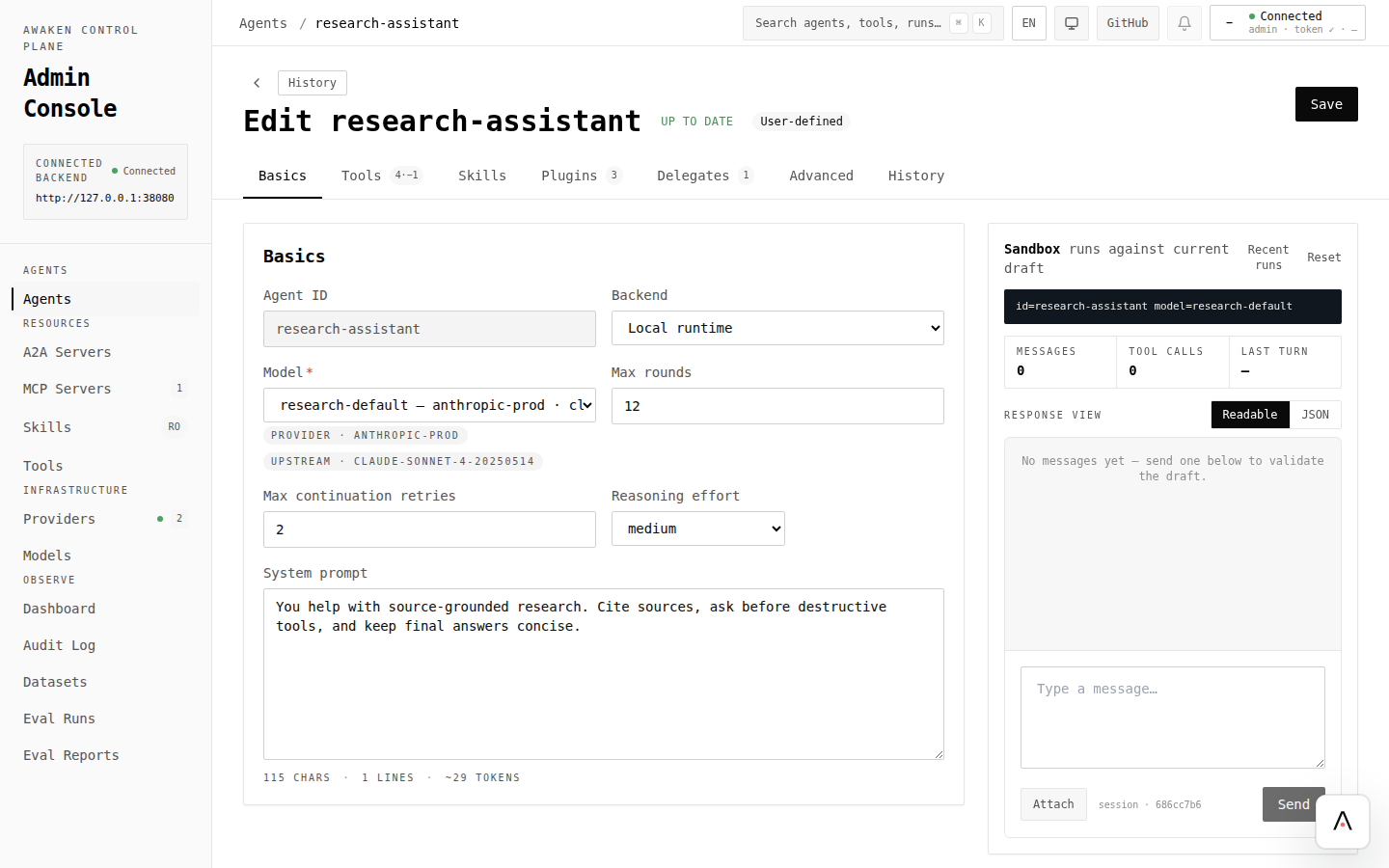
| 目标 | 点击路径 | 指南 |
|---|---|---|
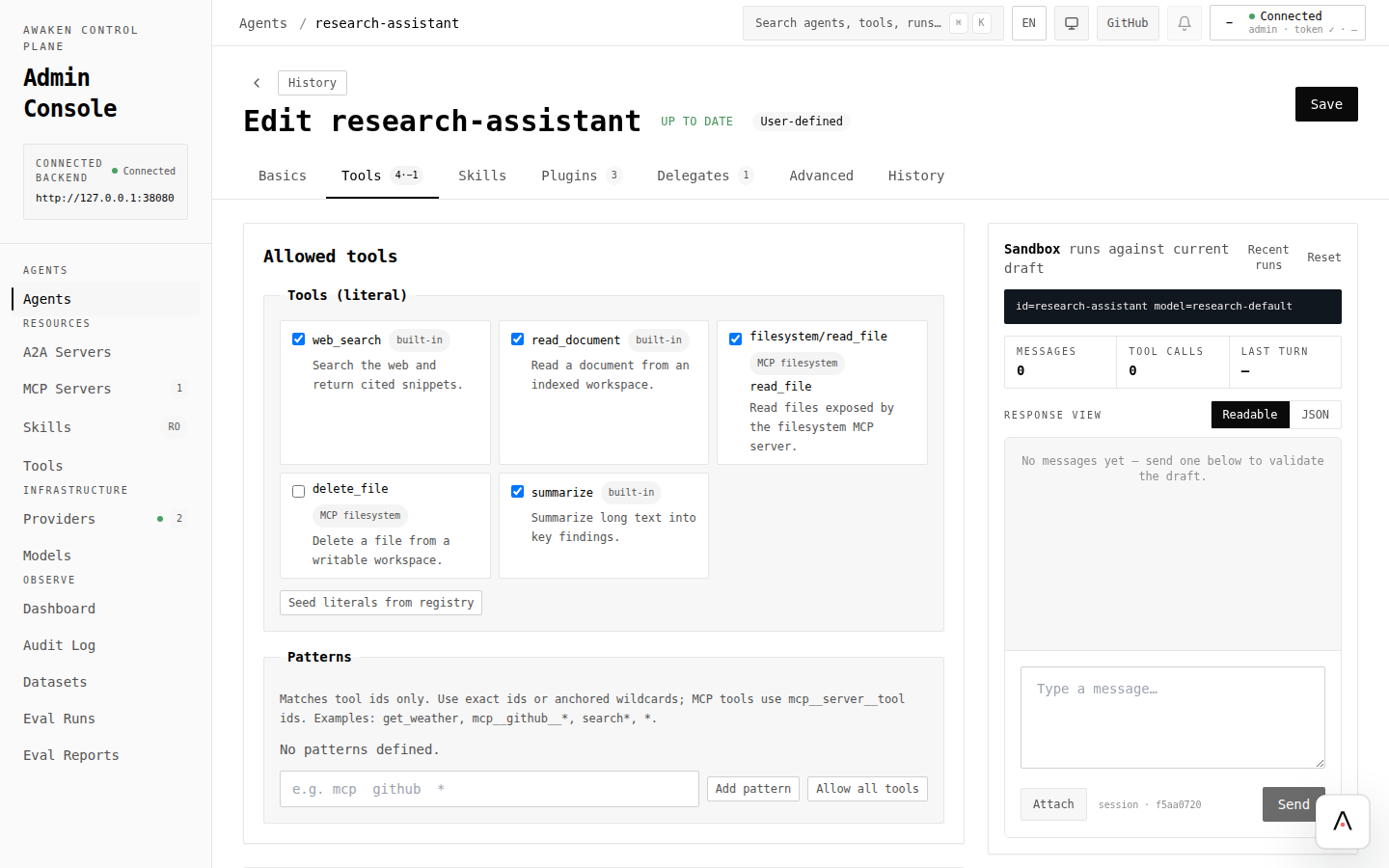
| 调 prompt/model/tools/plugins/delegates | Agents → Agent → Basics / Tools / Plugins / Delegates → Validate → Preview → Save | 通过配置调优 Agent 行为 |
| 安全改 prompt 文案 | Agent → Basics → System prompt → Validate → Preview → Save | 在线调优 Prompt |
| 管理上下文和压缩 | Agent → Advanced / JSON preview → Validate → Preview 长任务 → Save | 优化 Context Window |
| 约束循环和失控任务 | Agent → Basics / Advanced → limits 和 stop policy → Validate → Preview → Save | 配置停止策略 |
通过交互做治理与评测
Section titled “通过交互做治理与评测”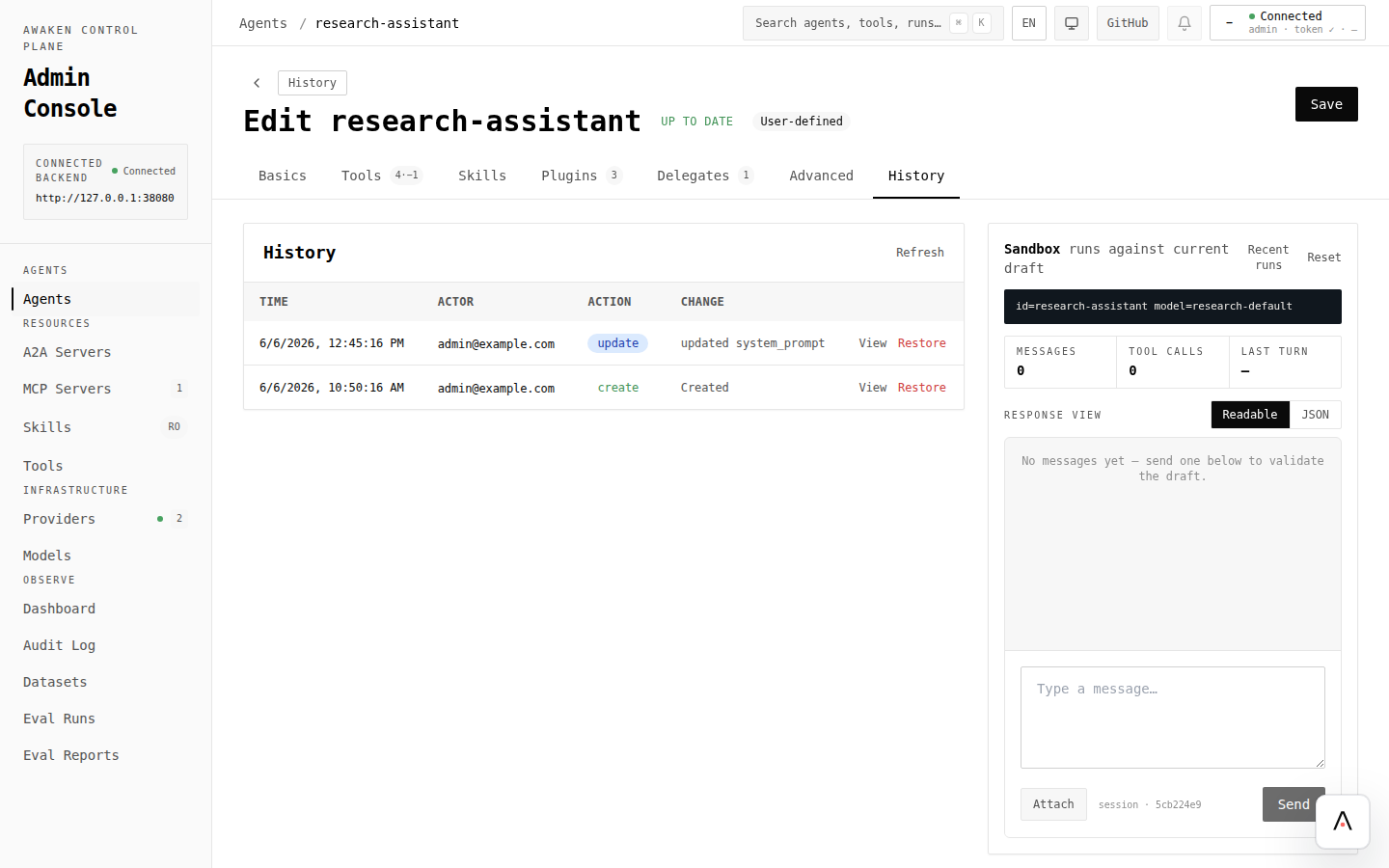
| 目标 | 点击路径 | 指南 |
|---|---|---|
| 给敏感工具加 gate | Agent → Plugins → Permission rules → Ask / Allow / Deny → Save | 启用工具权限 HITL |
| 接入可 handoff 的远程 Agent | Resources → A2A Servers → New A2A server → Refresh card → Save | 接入 A2A Server |
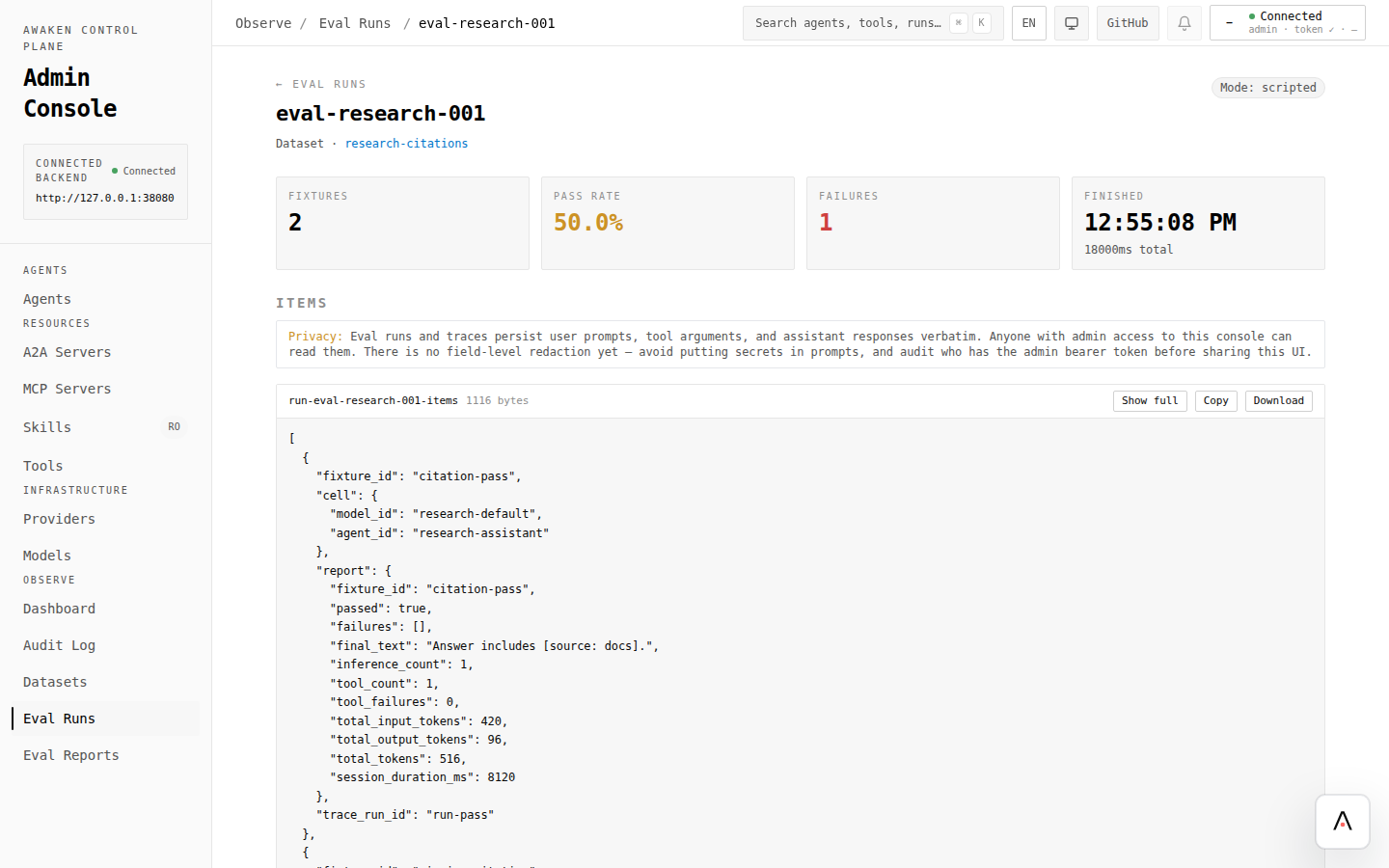
| 捕获并回放行为 | Observe → Datasets → Eval Runs → Eval Reports | 采集数据集并运行评测 |
| 查看运行信号 | Dashboard → Agents list → Agent dashboard / Recent runs | 启用可观测性 |
自动化时使用的 API 参考
Section titled “自动化时使用的 API 参考”同一操作需要脚本化,而不是在 UI 里点击时,使用这些参考: