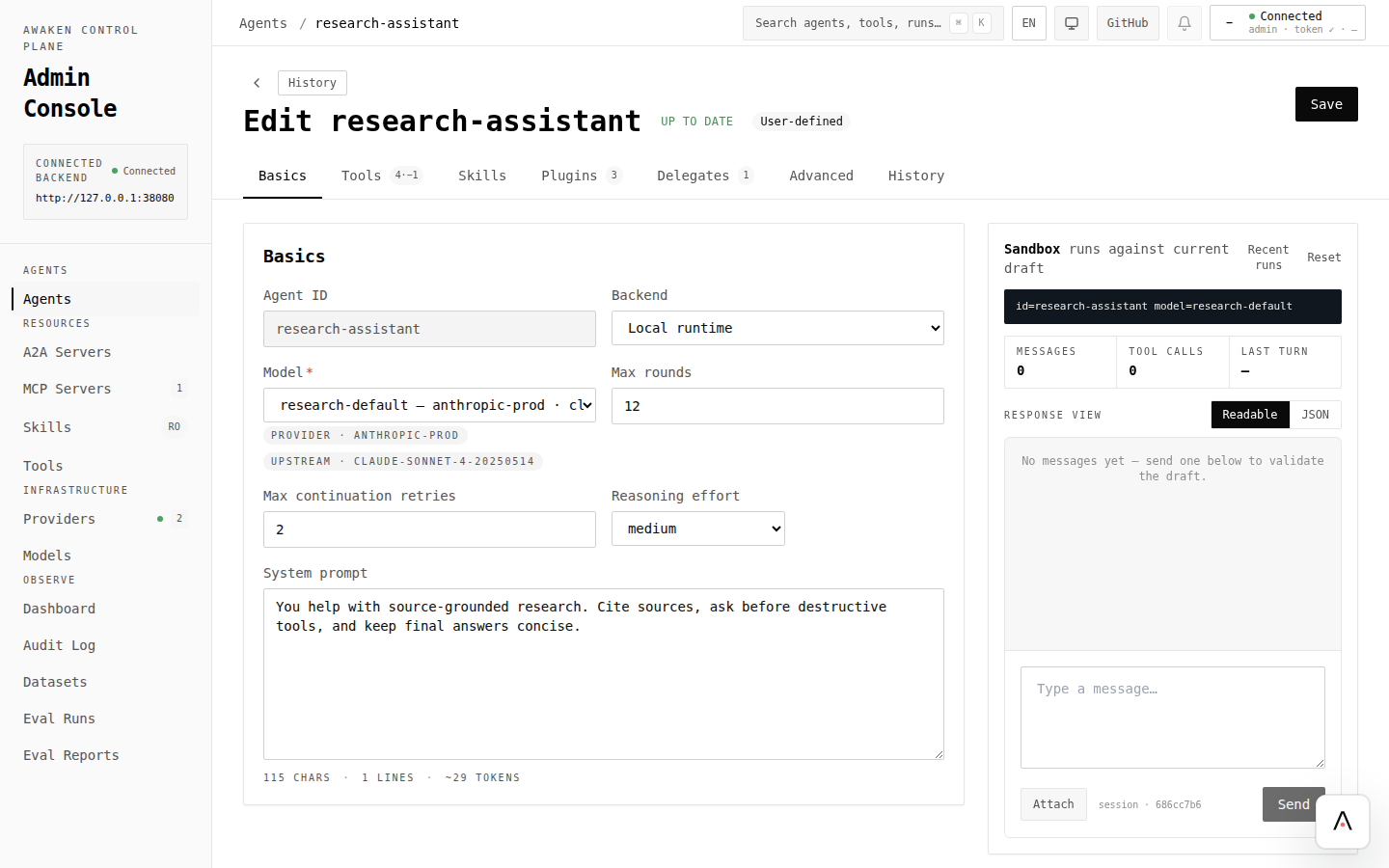
在线调优 Prompt
Awaken runtime 把工具(Rust)与 prompt、reminder、permission、skill 目录(配置)严格分开。本文展示你实际用来迭代配置侧的循环 —— 不重新构建二进制。
中途改 agent 行为,在下一个 run 立刻验证生效。
- Awaken 服务已经把
ConfigStore接入ServerState(见暴露 HTTP SSE)。 - 配置里至少有一个 agent、一个 model、一个 provider(见通过配置调优 Agent 行为)。
- 你希望 agent 调用的工具已经在 Rust 注册(
AgentRuntimeBuilder::with_tool,见添加 Tool)。
1. 查看当前 spec
Section titled “1. 查看当前 spec”curl -sS http://localhost:3000/v1/config/agents/research-assistant | jq .返回的就是 runtime 在下一个引用此 agent_id 的 run 里要交付的 spec。
2. 改你想改的部分
Section titled “2. 改你想改的部分”用同一个 id PUT 改动后的字段。下例收紧 prompt、缩小工具集:
curl -sS -X PUT http://localhost:3000/v1/config/agents/research-assistant \ -H 'content-type: application/json' \ -d '{ "id": "research-assistant", "model_id": "research-default", "system_prompt": "你是一个怀疑型研究助理。没有至少两篇独立同行评审文献时拒绝回答;每条都要附引用。", "max_rounds": 12, "plugin_ids": ["permission", "reminder"], "allowed_tools": ["web_search", "read_document"], "sections": { "reminder": { "rules": [{ "tool": "read_document", "output": "any", "message": { "target": "suffix_system", "content": "如果文档不是同行评审,在回答里显式说明。" } }] } } }'PUT 返回校验通过、已发布的配置。服务端把改动编译成候选 registry snapshot,校验 section schemas,然后发布 —— 一次原子操作。
3. 跑一次,看效果
Section titled “3. 跑一次,看效果”curl -sS -X POST http://localhost:3000/v1/runs \ -H 'content-type: application/json' \ -d '{ "agent_id": "research-assistant", "thread_id": "tune-2", "messages": [{"role": "user", "content": "找一篇关于珊瑚白化的文献。"}] }' | jq -r '.response'用全新的 thread_id 把改动与前轮上下文隔离开。新 prompt、reminder、工具集全部生效。
要严格对比 before/after,用同一句 user message 跑两次步骤 3 —— 一次在步骤 2 PUT 之前,一次在之后。
你可以在线调的
Section titled “你可以在线调的”下面这些都在配置里,下一个 run 重载:
| 旋钮 | 位置 | 效果 |
|---|---|---|
system_prompt | AgentSpec.system_prompt | Agent 人设 / 指令 |
| 工具描述 | ToolSpecPatch.description | 覆盖已有工具展示给模型的描述 |
allowed_tools / excluded_tools | AgentSpec.*_tools | 工具白 / 黑名单 |
| Delegates | AgentSpec.delegates | 解析时暴露的显式 sub-agent tools |
max_rounds、reasoning_effort | AgentSpec.* | 循环上界 |
context_policy | AgentSpec.context_policy | 上下文窗口裁剪 + 压缩 |
| 权限规则 | sections.permission.rules | 按工具名 + 参数的 allow/ask/deny |
| Reminder 规则 | sections.reminder.rules | 工具模式匹配时注入系统/会话消息 |
| 重试 / 回退模型 | sections.retry | 同 provider 内模型回退 |
| 延迟工具门控 | sections.deferred_tools | 哪些工具保持 eager、通过 ToolSearch 加载或重新延迟 |
| Compaction 总结器 | sections.compaction | 总结 prompt + 模型 + 阈值 |
| 生成式 UI 目录 | sections.generative-ui | A2UI catalog id + 示例 |
| Skill catalog | /v1/config/skills 或你的 skill root | 指令、允许工具、参数与激活元数据 |
| MCP server 工具 | 远端 MCP server | 收到 tools/list_changed 自动刷新 |
不在这张表里的都是代码:新增工具、插件、provider factory、自定义 PluginConfigKey
类型和 Tool trait 实现。ToolSearch 由 deferred-tools 提供;Skill 使用 catalog 注入加
skill 激活工具;delegates 是显式声明,不是 AgentSearch 自动发现。
用 trace 比对
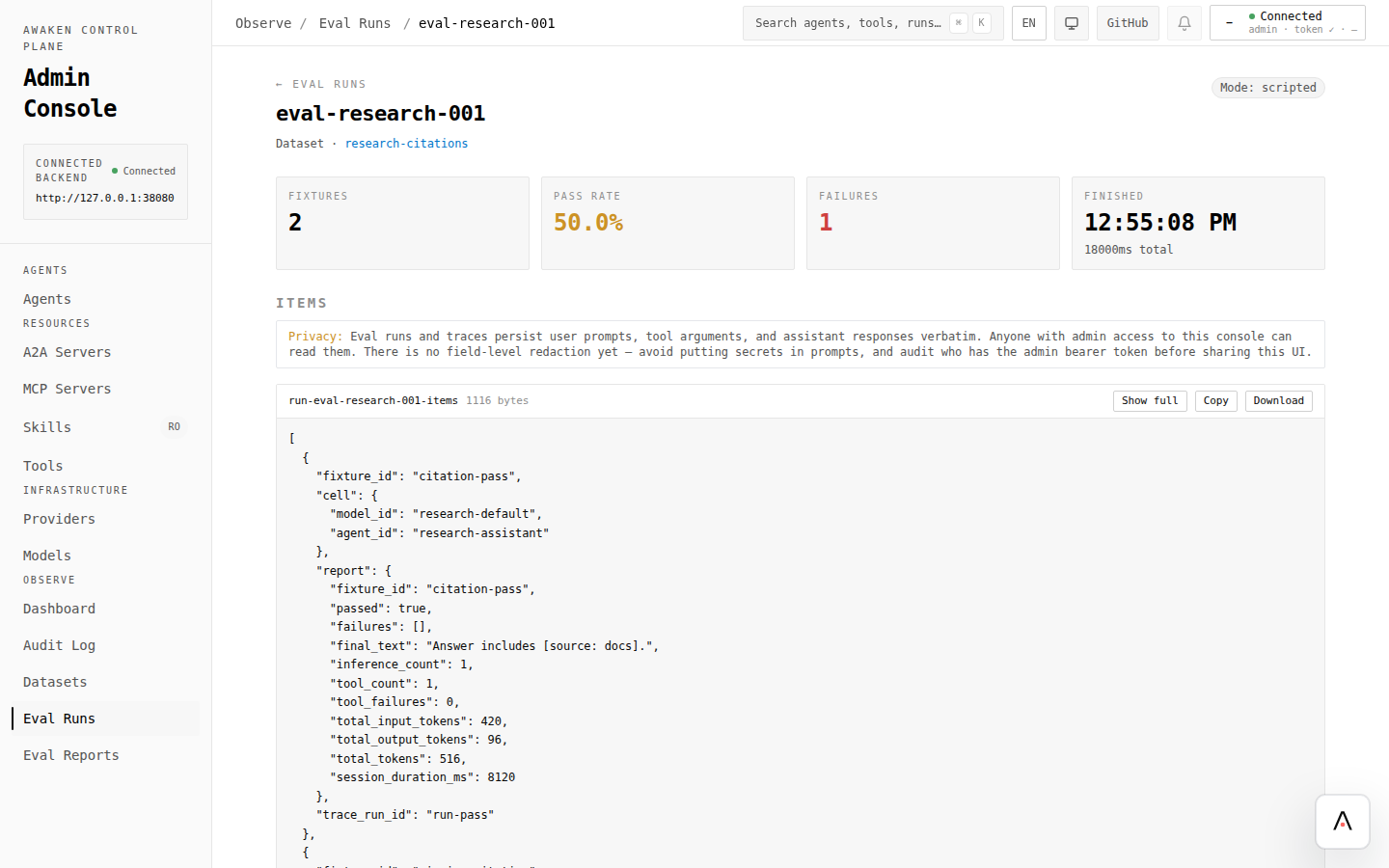
Section titled “用 trace 比对”管理控制台直接渲染持久化 trace store。验证调优:
- 记下调优前那次 run 的 trace id。
- PUT 新配置。
- 用同一句 user message + 新
thread_id再跑一次。记下新 trace id。 - 并排打开两条 trace。对比:工具调用、gate 决策、LLM token 数、总 wall time。
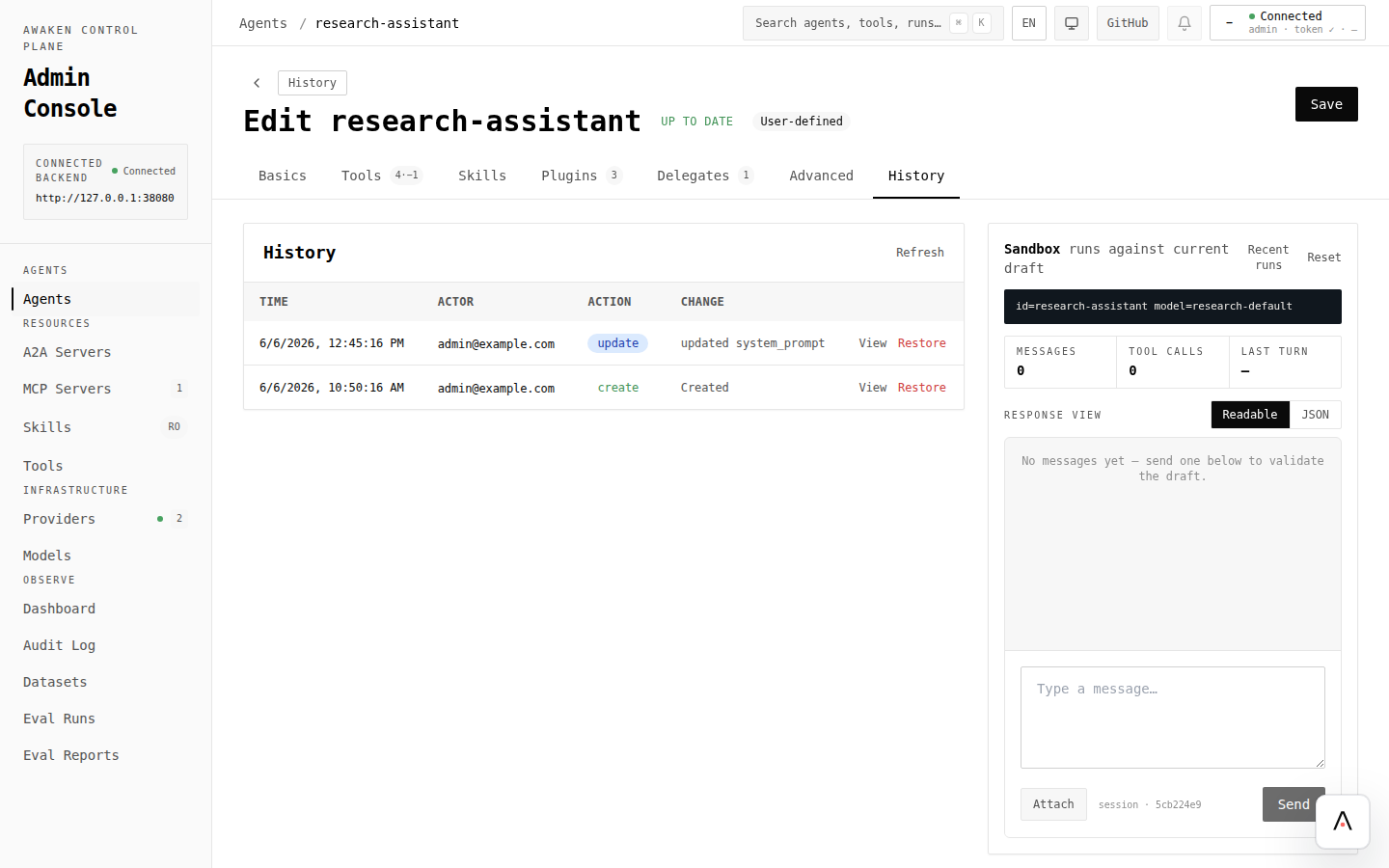
Trace 在 run 启动时就快照了 prompt 与 section 值,所以你永久留有”这个结果是哪一版配置产出的”证据。
进行中的 run vs 新 run
Section titled “进行中的 run vs 新 run”Runtime 保证:已经开始的 run 直到终止都用启动时的 snapshot。 这是让在线调优安全的契约 —— 你不会因为改了配置就意外影响长跑中的 agent。
要不等 run drain 就验证调优,起一个新 thread_id 的 run。要把所有 agent 滚到新 spec,取消并重启进行中的 run。
你不能在线调的
Section titled “你不能在线调的”| 改动 | 需要 |
|---|---|
| 新增一个 Rust 工具实现 | 重新构建并部署 |
| 新增一个插件 trait 实现 | 重新构建并部署 |
新增一个 PluginConfigKey schema | 重新构建并部署 |
切换 ConfigStore 后端 | 重启 |
如果你要调的越过上面任一条,你不在热调路径上 —— 你在构建和部署路径上。
- 通过配置调优 Agent 行为 —— 完整配置面参考
- 添加 Tool —— 什么留在代码
- 启用工具权限 HITL ——
permissionsection 深入 - 使用 Reminder 插件 ——
remindersection 深入 - 使用 Skills 子系统 —— 启用
start_periodic_refresh - 设计哲学 —— 为什么这样分层