
优化 Context Window
当 runtime 已支持相关 policy 字段后,context 调优就是一个 operator 工作流。优先用管理控制台: 看到 Agent,做一个小改动,Validate,用长对话预览,再保存。
你要点击什么
Section titled “你要点击什么”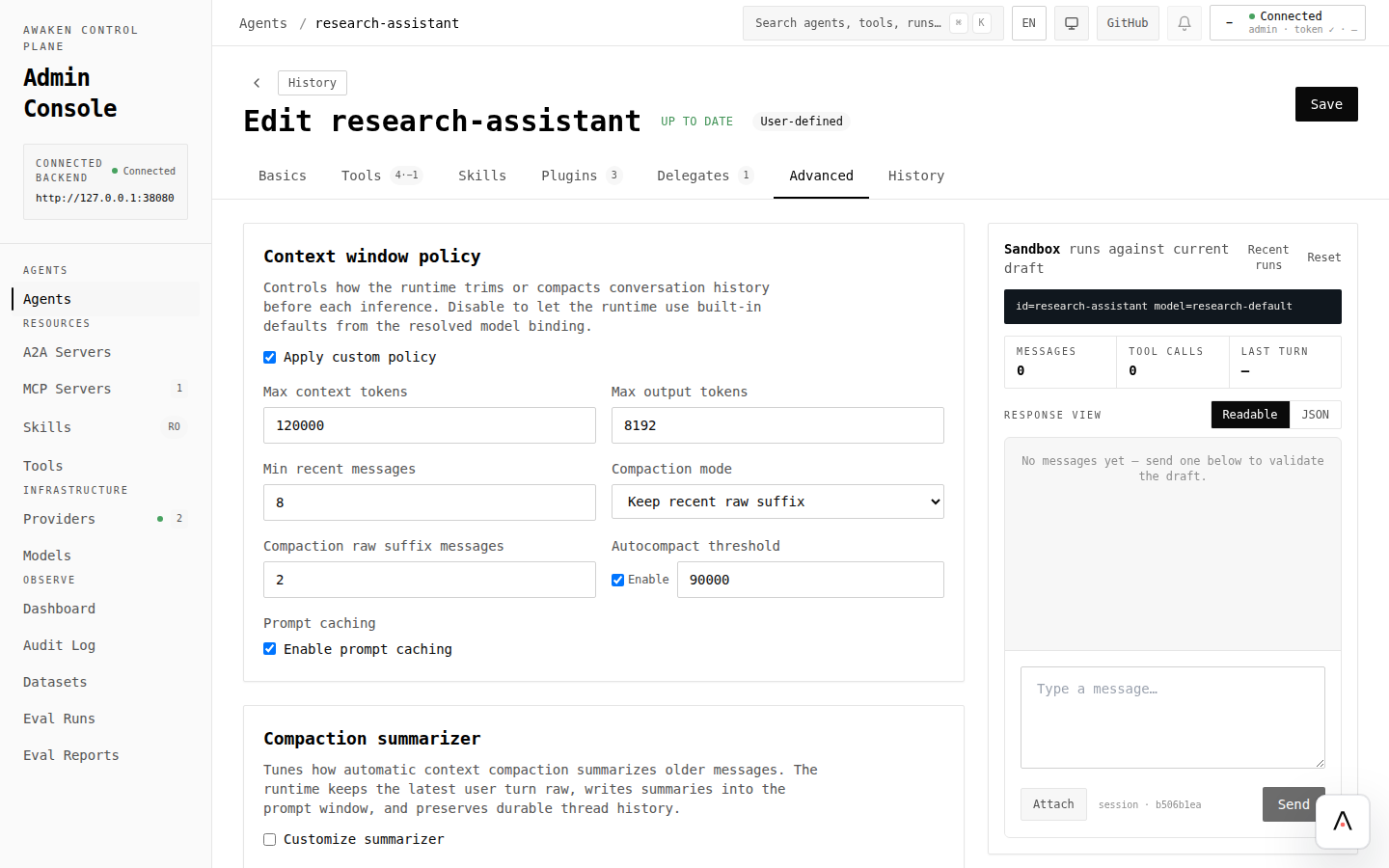
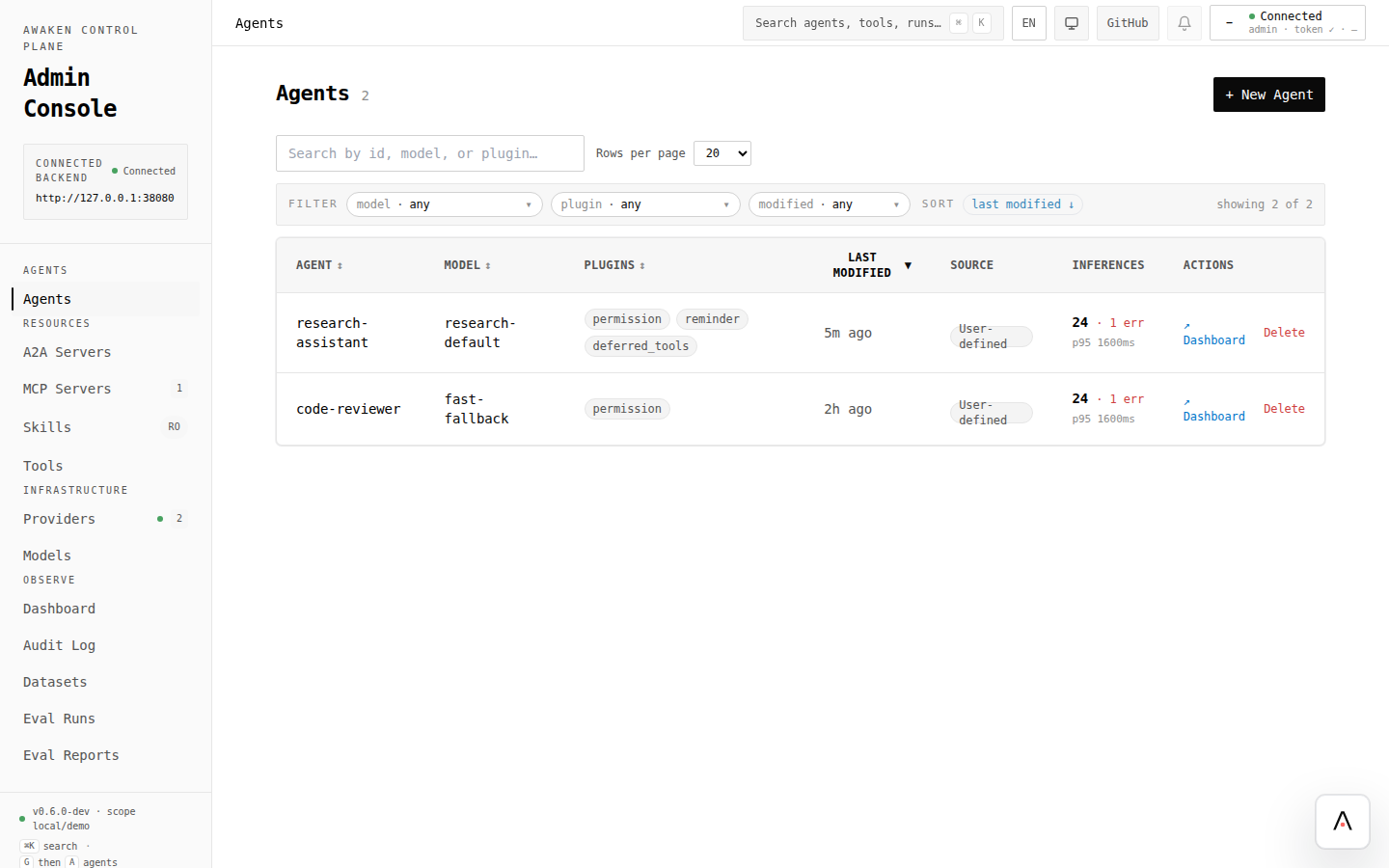
- 打开 Agents,选择遇到 context limit 的 Agent。
- 先看 Basics 中的 model 和 max rounds。换更大窗口模型或降低 max rounds,可能已经足够。
- 打开 Advanced,审查最终草稿形态。
- 调整该 server 暴露给 Agent 的 context policy 字段。
- 点击 Validate。
- 用长场景在 preview chat 中验证:多轮、工具结果、最终回答仍应记住早期事实。
- 只有当 preview 保留了关键信息后再 Save。
- 需要可复现验证时,把场景沉淀成 dataset 并运行 eval。
| 现象 | 在 UI 中尝试 | 用什么确认 |
|---|---|---|
| Agent 忘记最近用户意图 | 提高 recent-message retention,或减少噪音工具输出 | 同一个多轮 prompt 的 preview chat |
| Prompt 过大 | 启用或降低 auto-compaction threshold | 带长工具结果的 trace/eval |
| 最终回答被截断 | 提高 output-token limit,或换更大输出窗口模型 | Preview answer length 和 eval output |
| 长任务循环 | 搭配 stop policy limits | 配置停止策略 |
| 重要工具结果消失 | 保留更大的 raw suffix,或只在安全点 summarization | Trace detail 和 eval fixtures |
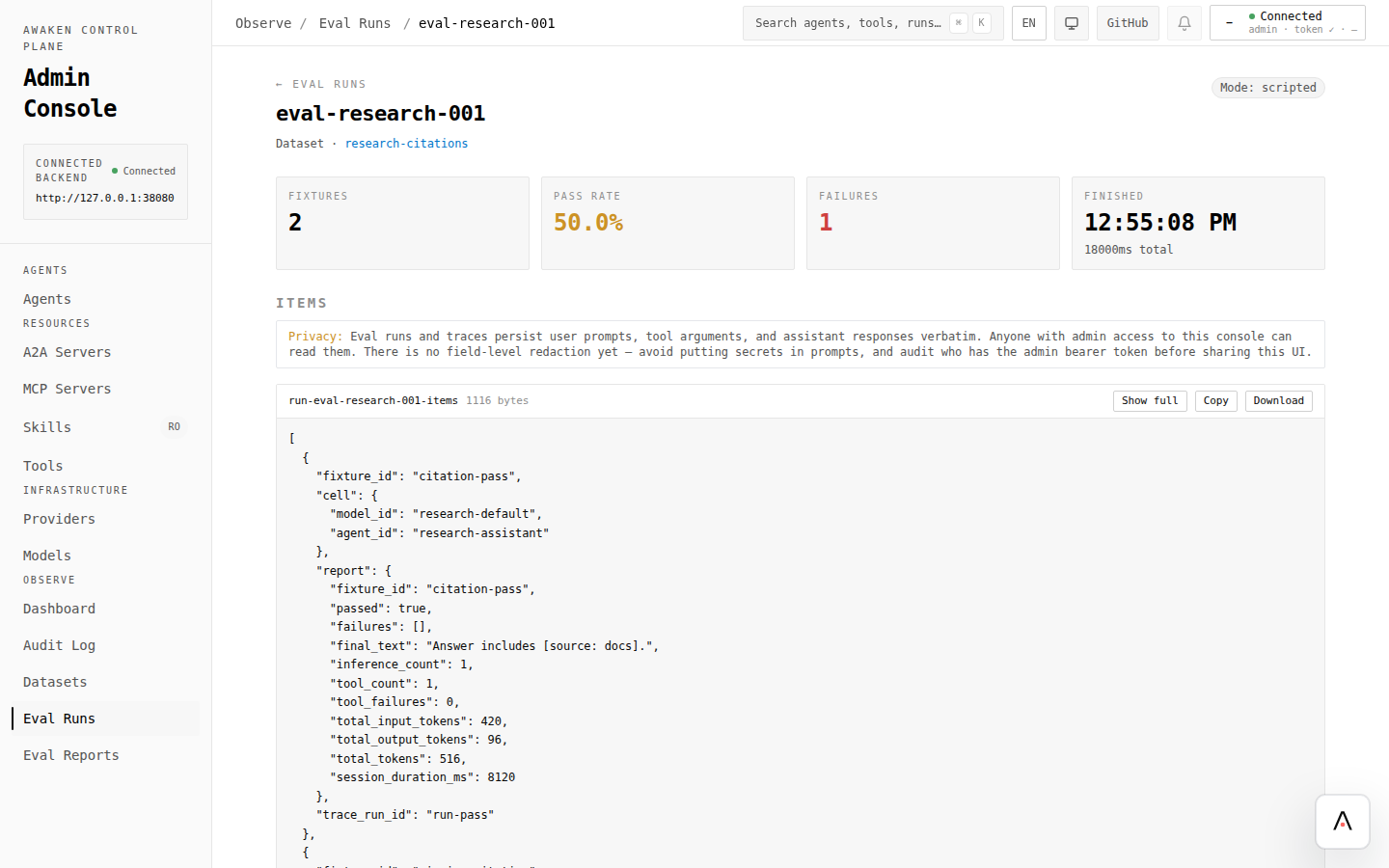
用 preview 获得快速反馈,再用 eval 覆盖不能回归的场景。如果改坏了,从 History 恢复上一版并保存。
自动化 API 参考
Section titled “自动化 API 参考”当 context policy 由部署工具生成时,用 API 写入。operator 循环不变:validate、write、run、compare。